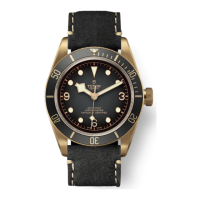
The local time is identical to the reference time (24-hour hand)
if the wearer is currently located in his reference zone. It can be
easily adjusted when travelling.
ADJUSTING THE LOCAL TIME [position C]
When travelling, to adjust local time only (without aecting the
24-hour reference time display), unscrew the crown and then
pull it out to the rst notch.
Set the local time by turning the crown in either direction. The
hour hand moves in increments of one hour. The date is linked
to local time and changes automatically when the hour hand
passes midnight.
Push in and then screw down the crown.
The 24-hour hand indicates the time in the reference time zone
and allows the wearer to distinguish daytime hours from night-
time hours.



 To Next Page