THIRD TIME ZONE DISPLAY
[setting via the bezel only]
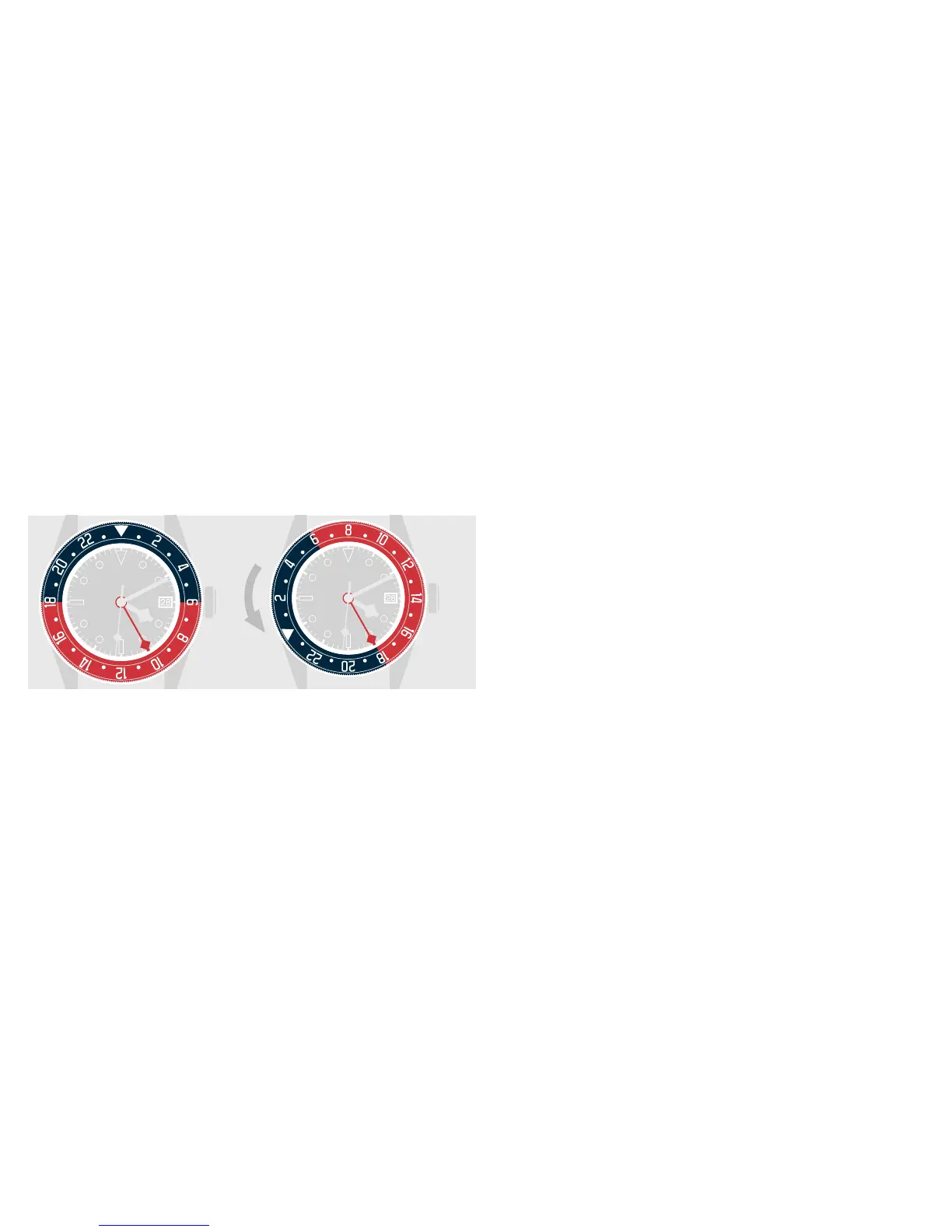
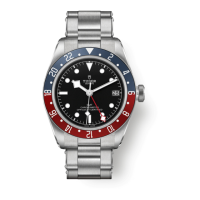
A third time zone can be displayed by using the rotatable bezel
and the 24-hour hand. It is based on the reference time.
To display the third time zone, turn the bezel clockwise (for
anegative time dierence) or anticlockwise (for a positive
time dierence) according to the time dierence between the
reference time (24-hour hand) and the time in the desired time
zone.
The 24-hour hand read against the bezel indicates the time in
the third time zone. The minutes are shown on the dial by the
minute hand.
REFERENCE TIME
Geneva: 10:10 a.m.
LOCAL TIME
New York: 4:10 a.m.
TIME IN THE THIRD
TIME ZONE
Tokyo: 6:10 p.m.


 To Next Page