3
Functions and Basic Settings
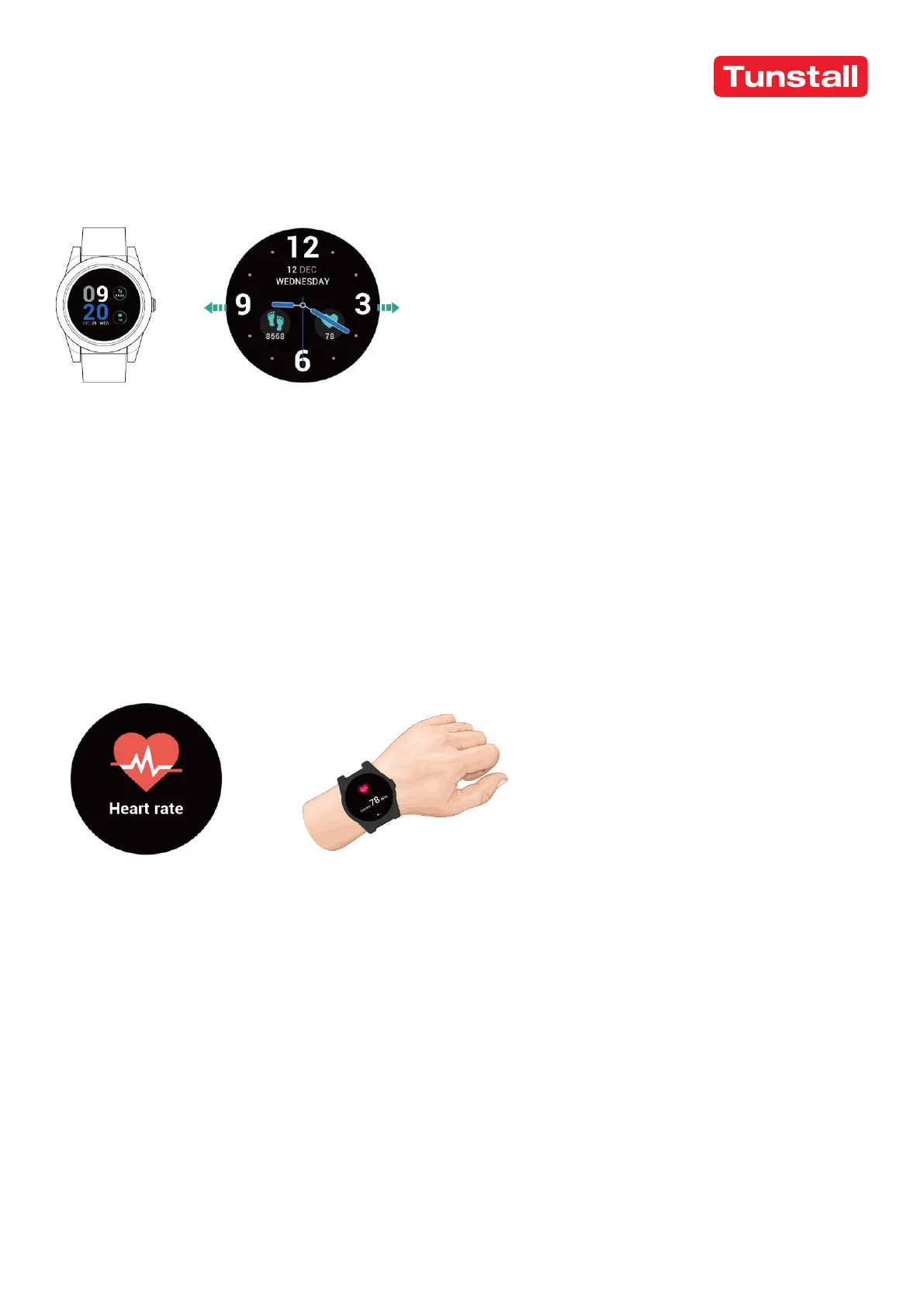
When the watch is turned on, slide leftwards or rightwards to view all available
functions. it displays Watch Face, Heart Rate, Steps and Settings.
1. On the watch face, you can see time, date, heart rate and steps.
2. There are five watch faces to select from, two analog and three digital. Slide
right to the end and click settings, select watch face and choose your preferred
option by sliding left and right.
Heart Rate Measurement
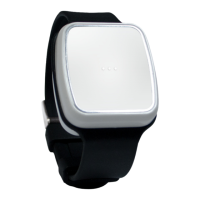
Wear the watch on the left hand and click heart rate, after several seconds
checking, the screen the will display your heart rate BPM.


 To Next Page