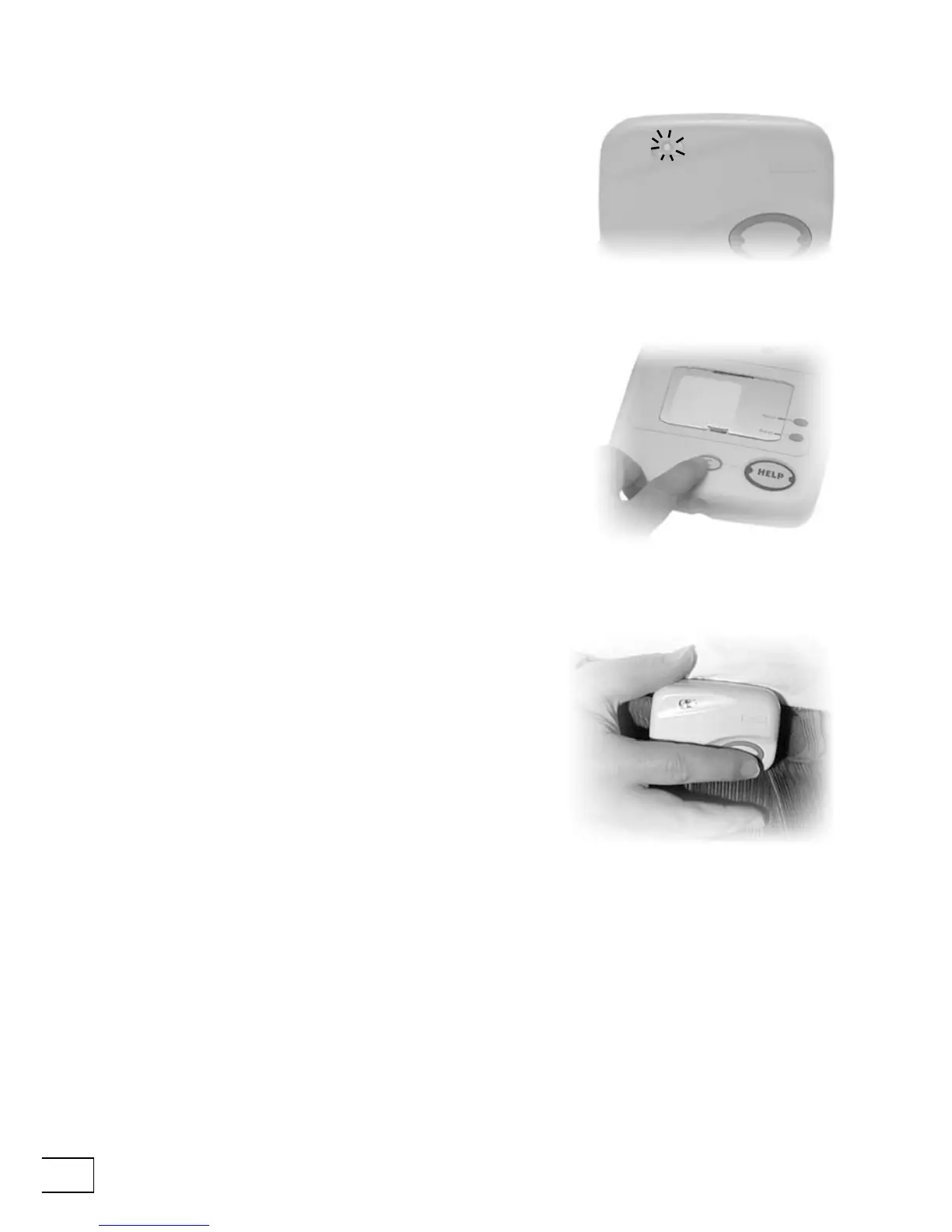
Preventing false alarms
If the Fall Detector notices a jolt which might have been
a fall then it will make a beeping noise and the small
light on the front of the detector will ash green. If
this happens make sure that your fall detector is in the
upright position and the ashing green light will stop.
If your Fall Detector remains at an angle for more
than 15 seconds following a jolt it will think that you
have fallen. The ashing light on the front will change
from green to red, and it will send a signal to your
Telecom telling it to make an alarm call. To cancel this
call you must walk to your Telecom, wait ve seconds,
and then press the Cancel key. If the alarm call has
already reached the response center computers then
the Cancel key will not cancel the call—this is a safety
feature. If you are unable to cancel the call then do not
worry—you should never rush to your Telecom. The
response center operator who takes your call will be
pleased to hear from you.
Making an alarm call
When you want to make an alarm call using your Fall
Detector just press the alarm button on the front.
When you press this alarm button the red light will
display for about three seconds to indicate that it is
sending a message to your Telecom telling it to make an
alarm call.
Low battery. If the red light ashes on and off when
you press the alarm button on the front of your Fall
Detector then this means that the battery inside it is
running low and needs to be replaced. If you raise an
alarm call to a response center using a Fall Detector
with a low battery the operator is automatically
informed about the low battery in your Fall Detector.


 To Next Page