Using Telecom 400
REQUESTING HELP
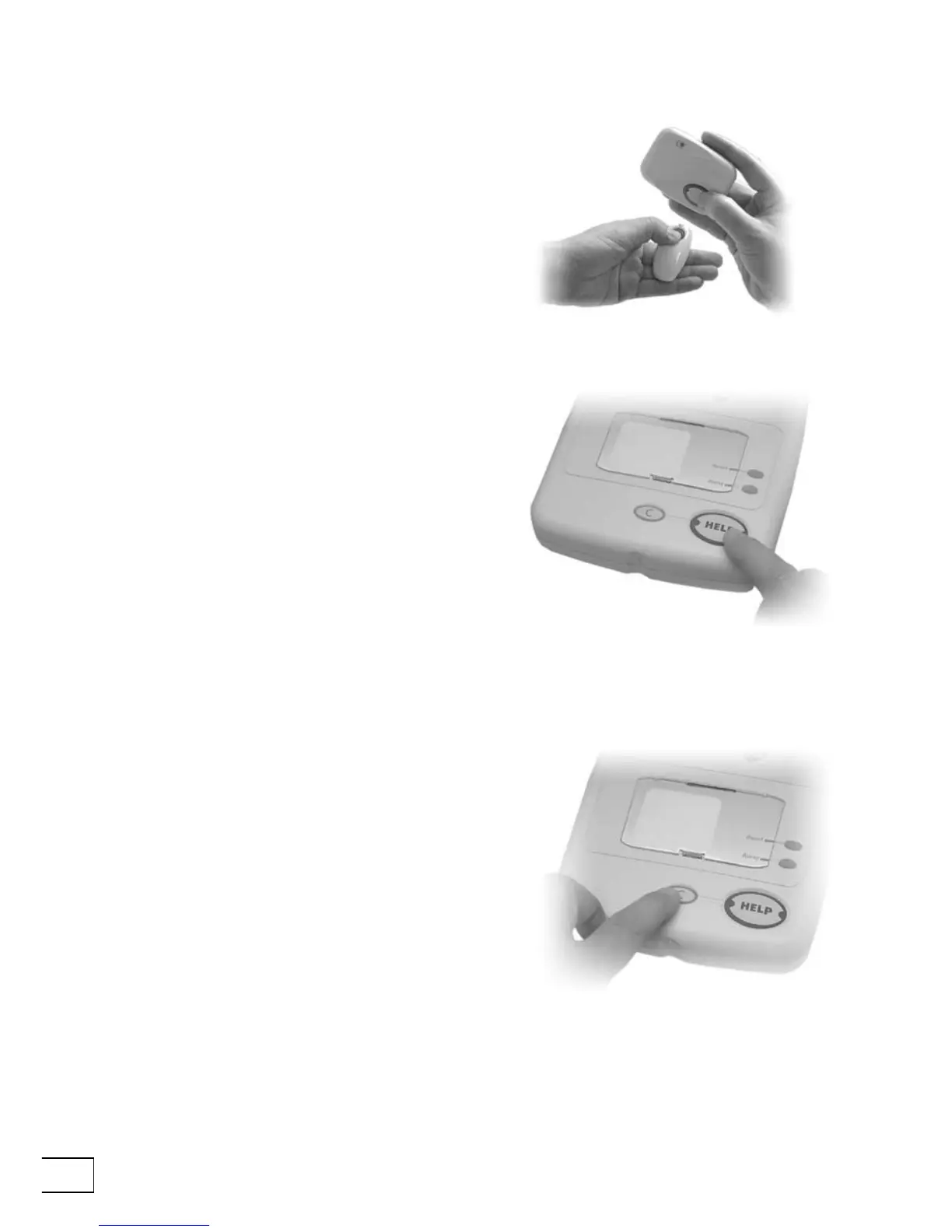
If you need help simply press the button on
your Fall Detector or radio pendant. This
sends a signal to Telecom which tells it to call
your response center.
CANCELLING
If you accidentally raise an alarm call (i.e. you
unintentionally press one of the alarm buttons
on your Telecom or radio pendant) you can
cancel the alarm call by waiting ve seconds
and then pressing your Telecom’s Cancel key.
However, once the call reaches a response
center pressing the Cancel key will have
no effect. This is a safety feature. When the
operator answers your call simply explain that
it was an error—the operator will be pleased
to hear from you.
Alternatively, if you can easily reach your
Telecom you can press the Help button.
Your home can also be tted with extra
buttons and pull cords that raise an alarm.
The person who installs these in your home
will show you where they are and how they
work.


 To Next Page