5
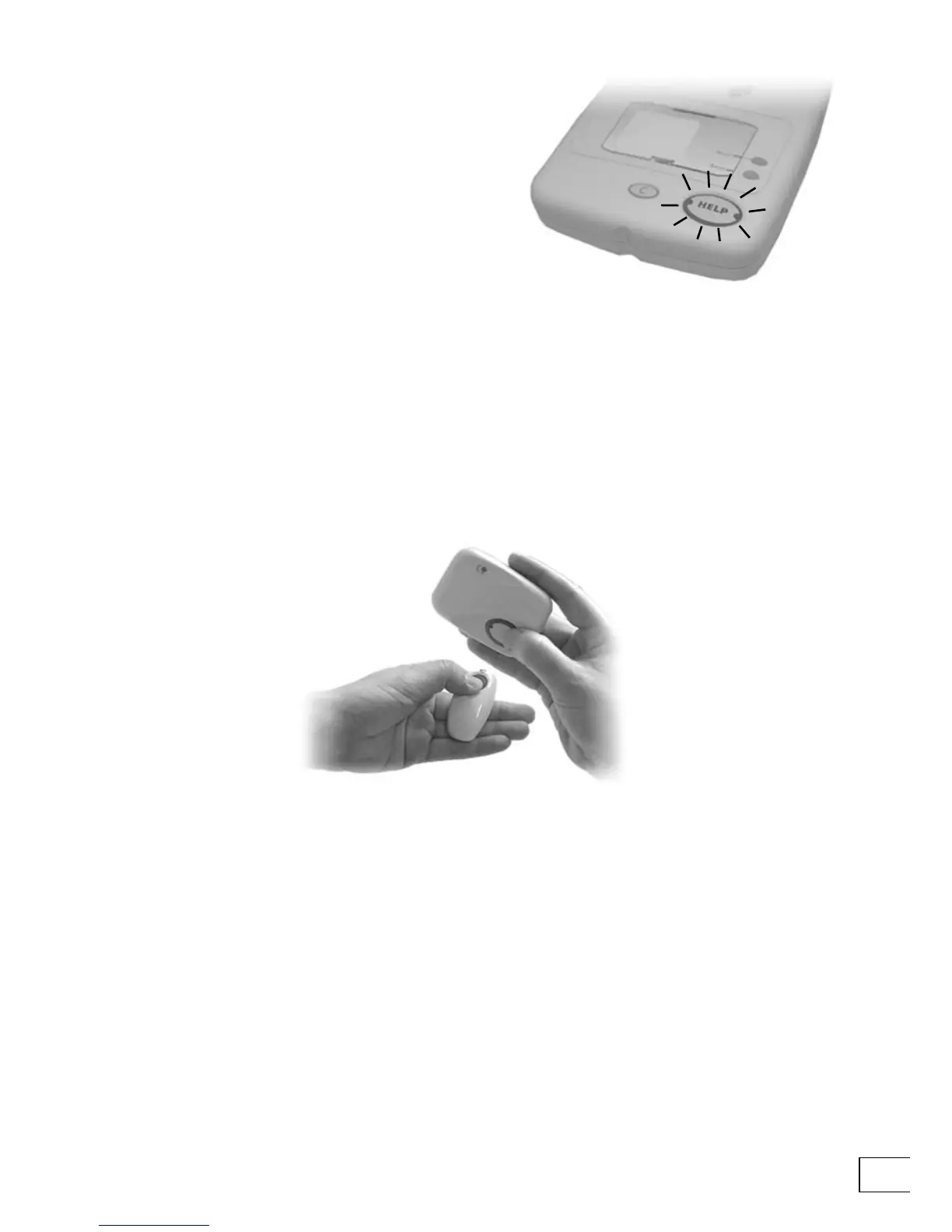
4. When you connect your Telecom to the
power the Help button on the top of
your Lifeline should light up.
TEST TELECOM 400
Once you have connected your Telecom you can test it. Press the button on the Fall
Detector or Amie pendant that came with your Telecom, and wait a few seconds. Telecom
will call your response center. When your call is answered tell the operator that you are
testing your new Telecom—the operator will be pleased to hear from you.
PROBLEMS?
In the unlikely event that something does not work as you expect then consult the
Problems and Answers section towards the back of this guide.


 To Next Page