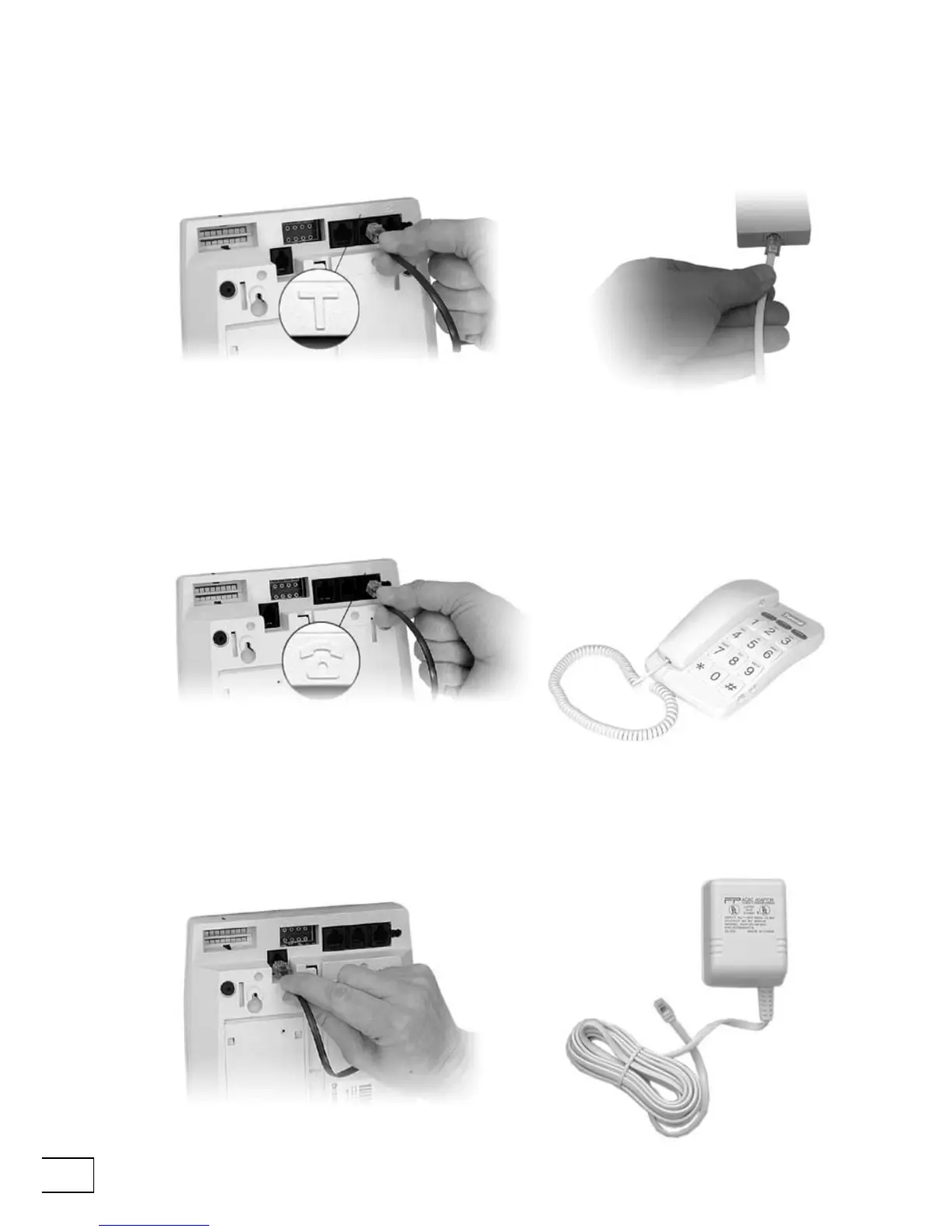
2. You can then connect your ordinary telephone to Telecom. If you do not connect
your other telephones through Telecom, but use a telephone adaptor instead, then
Telecom may have difculty making alarm calls if another telephone is being used
for a call.
CONNECT TELECOM 400
1. First, connect your Telecom to a telephone jack in your home using the cable
that came in the box with Telecom. Do not connect Telecom to the telephone
jack via a telephone adaptor.
3. Next, connect the lead from the AC adapter to the back of your Telecom, and then
plug the AC adapter into a power receptacle.



 To Next Page