9
THE AWAY FEATURE
What is the Away feature?
Your Telecom can be set up to detect high and
low temperatures, when you are inactive, or to
discover and report a range of other incidents to
your response center. For example, if you are feeling
ill you might not get up in the morning. If your
Telecom has been congured to detect inactivity it
will eventually call your response center to let the
staff know that you have not been active.
To do this reliably it needs to know whether you are
in your home or away from your home. Otherwise,
your Telecom might think that you are inactive every
time you go away to visit a friend or relative.
Going Away
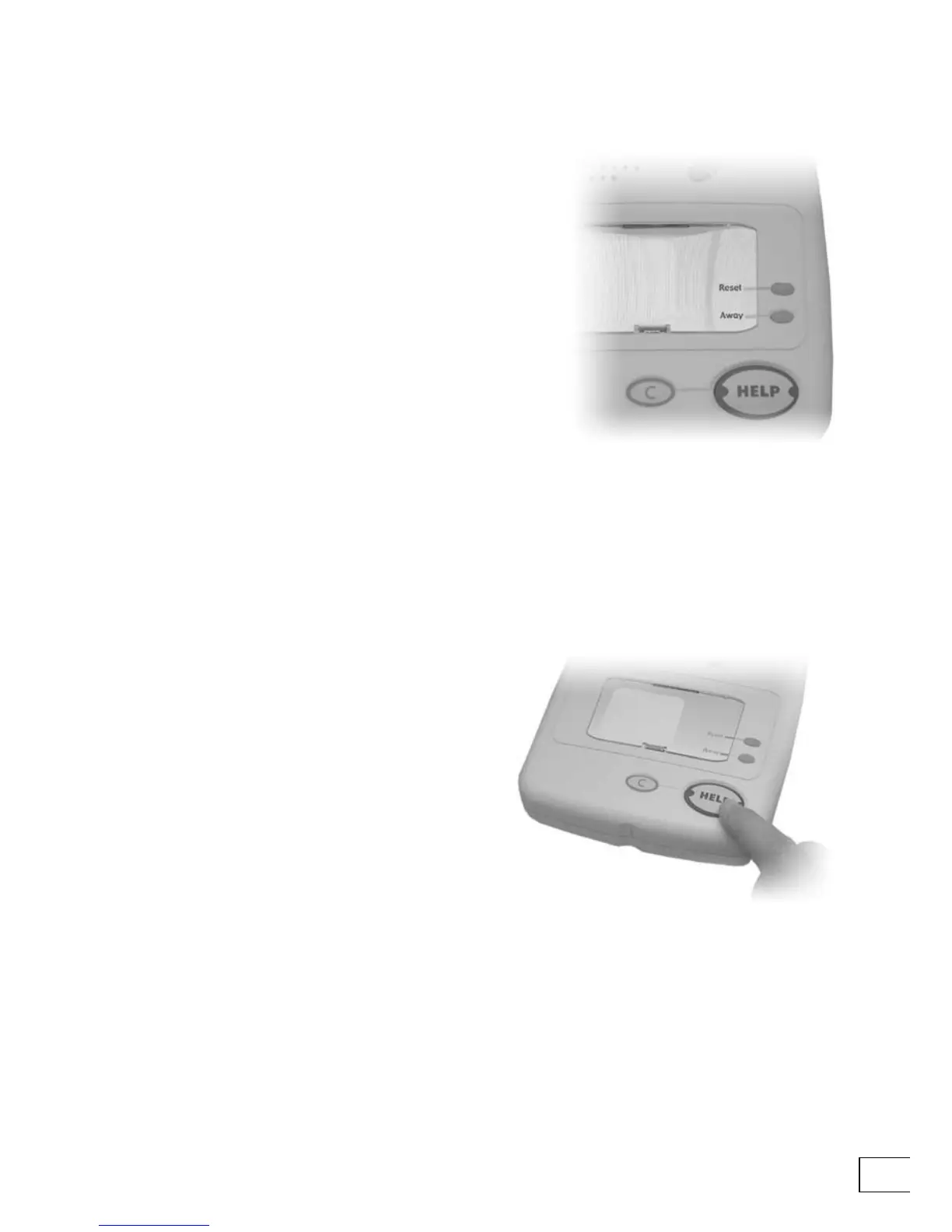
To tell your Telecom that you are going to be away
press the Away key. The Away key will light up.
Returning home
To tell your Telecom that you have arrived home
press the Away key again. The Away key will turn
its light off.
Returning home and raising an alarm
If you return home and raise an alarm by pressing
a button or pulling an alarm cord (if one is tted in
your home) then your Telecom will make an alarm
call even if Away is turned on. After making the call it
will automatically switch the Away feature off—it will
return to its Home status.


 To Next Page