EasyManua.ls Logo

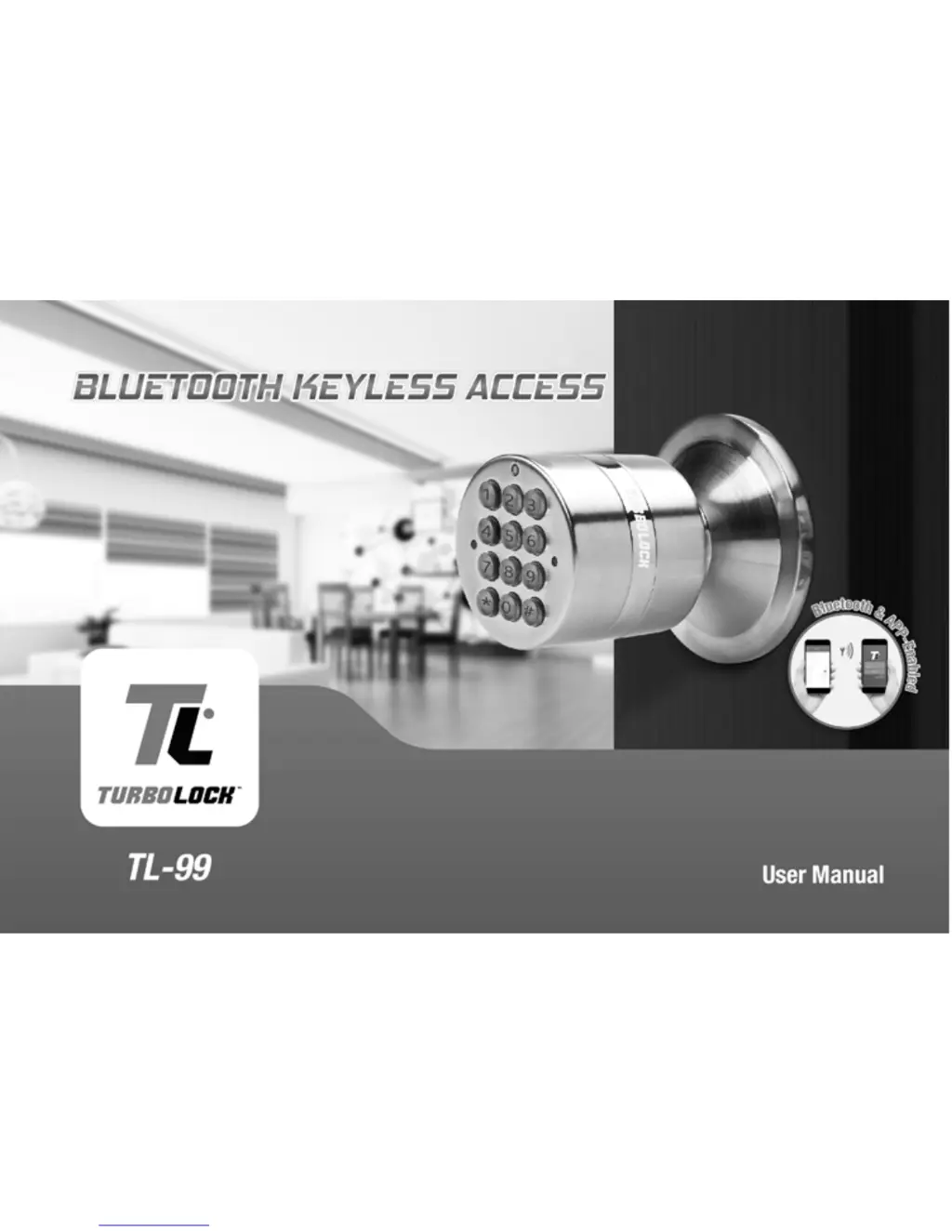
Turbolock TL-99 - User Manual

Turbolock TL-99
28 pages
Print Icon
To Next Page IconTo Next Page
Loading...
In order to continue serving our customers and providing the best products, our product
information including our user manuals may receive updates from time to time. Please
check our website for the latest user manuals and product materials.
v3. 102617

Questions and Answers

  • J
    jthompsonJul 27, 2025
    What to do if my Turbolock Door locks don’t work?
    • D
      Dylan ThomasJul 28, 2025
      If your Turbolock door lock isn't working, first, make sure the batteries are correctly installed; remove and reinstall them if necessary. If that doesn't solve the issue, the batteries might be completely dead. Replace them. You can also use the emergency power port to power the lock temporarily to open the door and then replace the batteries.
  • H
    haguirreAug 2, 2025
    Why can’t I open my Turbolock Door locks?
    • H
      hbyrdAug 2, 2025
      There could be a couple of reasons why you can't open your Turbolock door. It might be because too much time has passed; try turning the handle while the lock’s backlight is still on. Alternatively, your access might be restricted. If you received a key from the lock’s admin, your access may be limited to certain times of the day. Check with your admin for more details.
  • D
    dawn15Aug 8, 2025
    What to do if I forgot my Turbolock Door locks codes?
    • B
      Bruce KellyAug 8, 2025
      If you forgot your Turbolock door lock codes, you'll need to perform a reset to erase all passwords. To do this, you must have access to the back of the door. After the reset, make sure to record the new passwords in a safe place.
  • D
    Deborah CallahanAug 14, 2025
    Why does my Turbolock TL-99 jam or doesn’t close?
    • M
      Matthew DaltonAug 14, 2025
      If your Turbolock door lock is jamming or the door isn’t closing properly, it could be due to a couple of reasons. First, the latch size might be incorrect. Disassemble the lock and check the latch assembly, adjusting it if you're retrofitting. If it's a new door installation, adjust the latch or drill into the door as needed to fit the latch. Another possibility is that the strike plate and latch aren’t aligned correctly. Open the door and check their alignment, making adjustments as necessary.
  • C
    Christopher JonesAug 21, 2025
    What to do if I entered the wrong password multiple times on my Turbolock TL-99?
    • B
      Becky RamirezAug 21, 2025
      If you've entered the wrong password multiple times (at least 3 times) on your Turbolock door lock, wait 15 minutes and then try again.

Summary

Section 1 Information & Safety Warnings

1.2 Safety Warnings

Crucial safety guidelines and warnings for user protection and product integrity.

Section 3 Installation (Retrofit)

3.1 Pre-Installation

Steps for preparing an existing door and installing the latch assembly.

3.2 Main Installation

Guidance on securely mounting the exterior and interior lock components.

Section 4 Installation (New)

Section 5 Using the Lock

Section 6 Keypad Passwords

6.1 Changing the Admin Password

Procedure to alter the default administrative password for enhanced security.

Section 9 The Turbolock App

9.2 Pairing

Step-by-step process for resetting the lock and establishing Bluetooth connection with the app.

Section 10 Resetting the Lock

Section 12 Troubleshooting

Turbolock TL-99 Specifications

General IconGeneral
BrandTurbolock
ModelTL-99
CategoryDoor locks
LanguageEnglish

Related product manuals