EasyManua.ls Logo

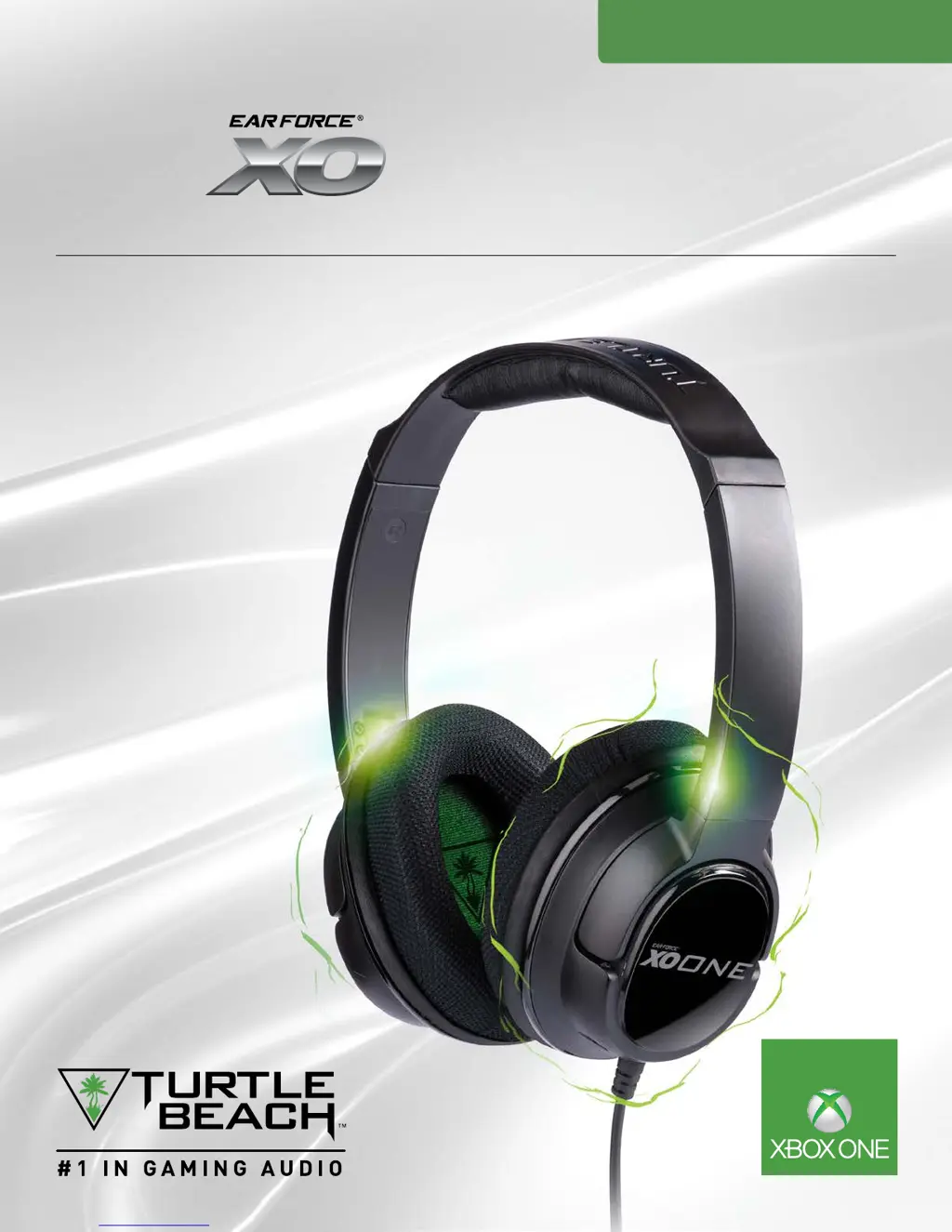
Turtle Beach Ear Force XO One - User Manual

Turtle Beach Ear Force XO One
18 pages
Print Icon
To Next Page IconTo Next Page
Loading...
USER GUIDE
XBOX ONE STEREO GAMING HEADSET
For: Xbox One I Mobile Gaming*
Designed for
ONE

Questions and Answers

Summary

Package Contents

About the Ear Force XO One Headset

Parts and Controls Overview

Bass Boost Control

Adjusts the bass level for immersive audio.

Game and Chat Balance

Controls the mix between game and chat audio.

Master Volume Control

Manages the overall headset volume for game and chat.

Microphone Mute and Monitor Button

Mutes the microphone and controls mic monitoring feature.

Setup and Connections Guide

Xbox One Console Setup

Steps to connect the headset to Xbox One consoles.

Mobile Device Connection

Instructions for connecting the headset to mobile devices.

Product Specifications

Troubleshooting Common Issues

Audio Volume and Sound Problems

Resolves issues related to audio not being heard or being too quiet.

Microphone Not Working

Addresses problems with the microphone not functioning or being muted.

Chat Volume and Mic Monitor Fixes

Guides on fixing chat volume, game/chat mix, and mic monitor.

Important Safety Information

Regulatory Compliance Statements

FCC Compliance Notices

Federal Communications Commission statements regarding device interference.

Declaration of Conformity

EU conformity, safety, emissions, immunity, and environmental standards.

Japan and Korean Compliance

Specific compliance statements for Japan and Korea.

Limited One Year Warranty

Warranty Exclusions

Details conditions under which the limited warranty does not apply.

Summary

Package Contents

About the Ear Force XO One Headset

Parts and Controls Overview

Bass Boost Control

Adjusts the bass level for immersive audio.

Game and Chat Balance

Controls the mix between game and chat audio.

Master Volume Control

Manages the overall headset volume for game and chat.

Microphone Mute and Monitor Button

Mutes the microphone and controls mic monitoring feature.

Setup and Connections Guide

Xbox One Console Setup

Steps to connect the headset to Xbox One consoles.

Mobile Device Connection

Instructions for connecting the headset to mobile devices.

Product Specifications

Troubleshooting Common Issues

Audio Volume and Sound Problems

Resolves issues related to audio not being heard or being too quiet.

Microphone Not Working

Addresses problems with the microphone not functioning or being muted.

Chat Volume and Mic Monitor Fixes

Guides on fixing chat volume, game/chat mix, and mic monitor.

Important Safety Information

Regulatory Compliance Statements

FCC Compliance Notices

Federal Communications Commission statements regarding device interference.

Declaration of Conformity

EU conformity, safety, emissions, immunity, and environmental standards.

Japan and Korean Compliance

Specific compliance statements for Japan and Korea.

Limited One Year Warranty

Warranty Exclusions

Details conditions under which the limited warranty does not apply.

Turtle Beach Ear Force XO One Specifications

General IconGeneral
BrandTurtle Beach
ModelEar Force XO One
CategoryHeadsets
LanguageEnglish

Related product manuals