EasyManua.ls Logo

TUYA A1 - User Manual

TUYA A1
22 pages
Print Icon
To Next Page IconTo Next Page
Loading...
1
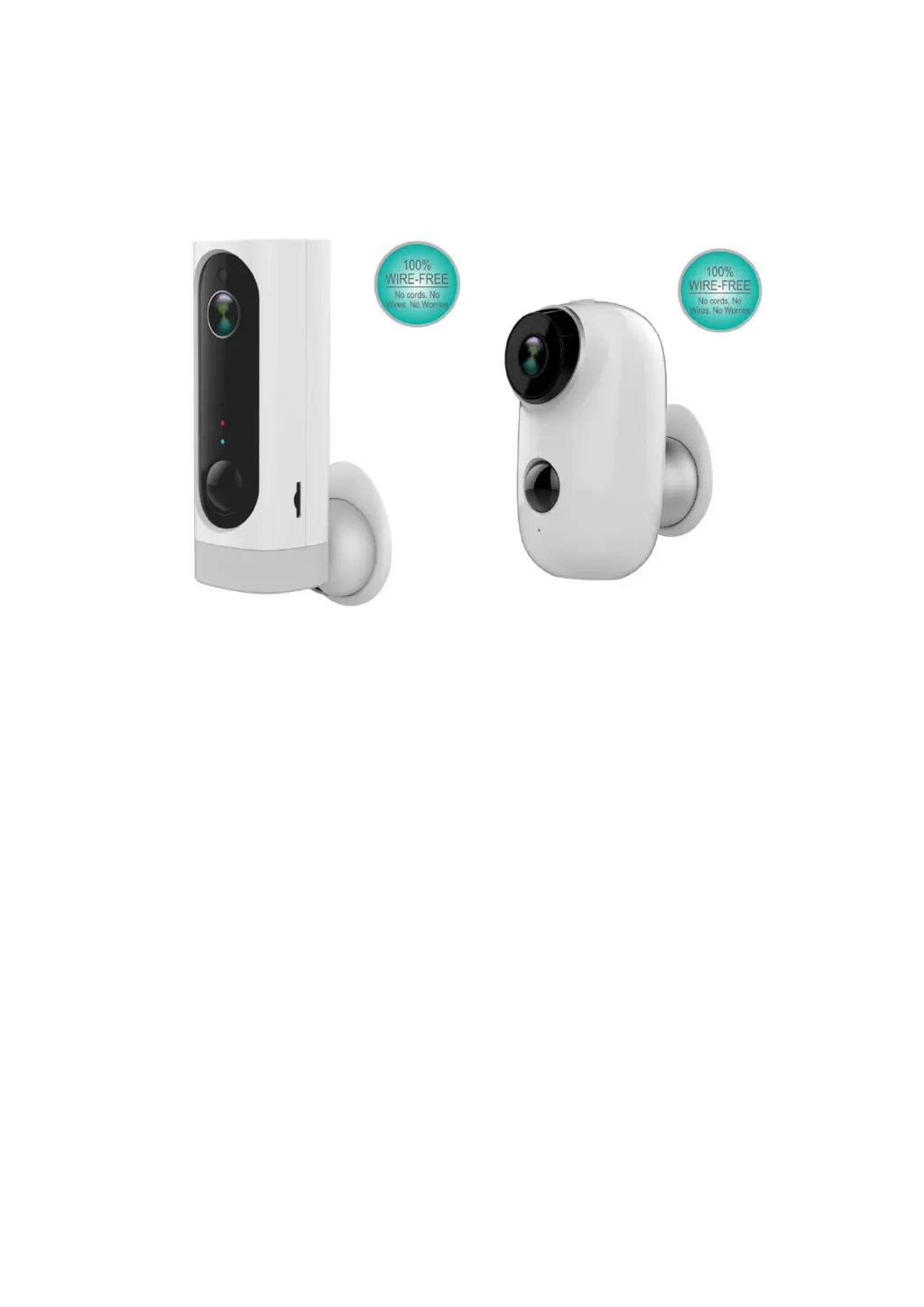
TUYA Platform IP Battery Camera
Quick User Guide
100% Wire-Free IP Camera with rechargeable battery
Place it Anywhere, Watch on Phone Anytime

Questions and Answers

  • R
    Ryan GalvanAug 11, 2025
    What to do if my TUYA A1 Security Camera is unable to connect?
    • S
      Samantha HansonAug 12, 2025
      If your TUYA Security Camera is unable to connect, check your WiFi name and password. Also, ensure your WiFi is 2.4G, as 5G is not supported. Make sure your camera and phone are close to the router during the connection process.
  • K
    Kristine BurnsAug 17, 2025
    Why is my TUYA A1 not sending alarm push notifications?
    • K
      Kimberly EvansAug 17, 2025
      If you are not receiving alarm push notifications from your TUYA Security Camera, please enable Smartlife app notifications in your mobile settings.
  • A
    Anthony ThomasAug 25, 2025
    What to do if my TUYA Security Camera failed to add device?
    • M
      montgomerycarrieAug 25, 2025
      If your TUYA Security Camera failed to add device, please enable Smartlife app cellular data in your mobile settings.
  • P
    Paul BrownAug 30, 2025
    Why is my TUYA Security Camera not recording alarm videos?
    • S
      stanleyaliciaAug 30, 2025
      If your TUYA Security Camera is not recording alarm videos, please insert an SD Card.
  • J
    Joshua LozanoSep 4, 2025
    How to change my TUYA Security Camera to a new network?
    • J
      Jamie ScottSep 4, 2025
      To change your TUYA Security Camera to a new network, press the reset key to restore the factory default settings, and then reconnect the camera to the new network.

TUYA A1 Specifications

General IconGeneral
Resolution1080P
Night VisionYes
Two-way AudioYes
Motion DetectionYes
StorageMicroSD card (up to 128GB)
ConnectivityWi-Fi
Power SupplyDC 5V

Related product manuals