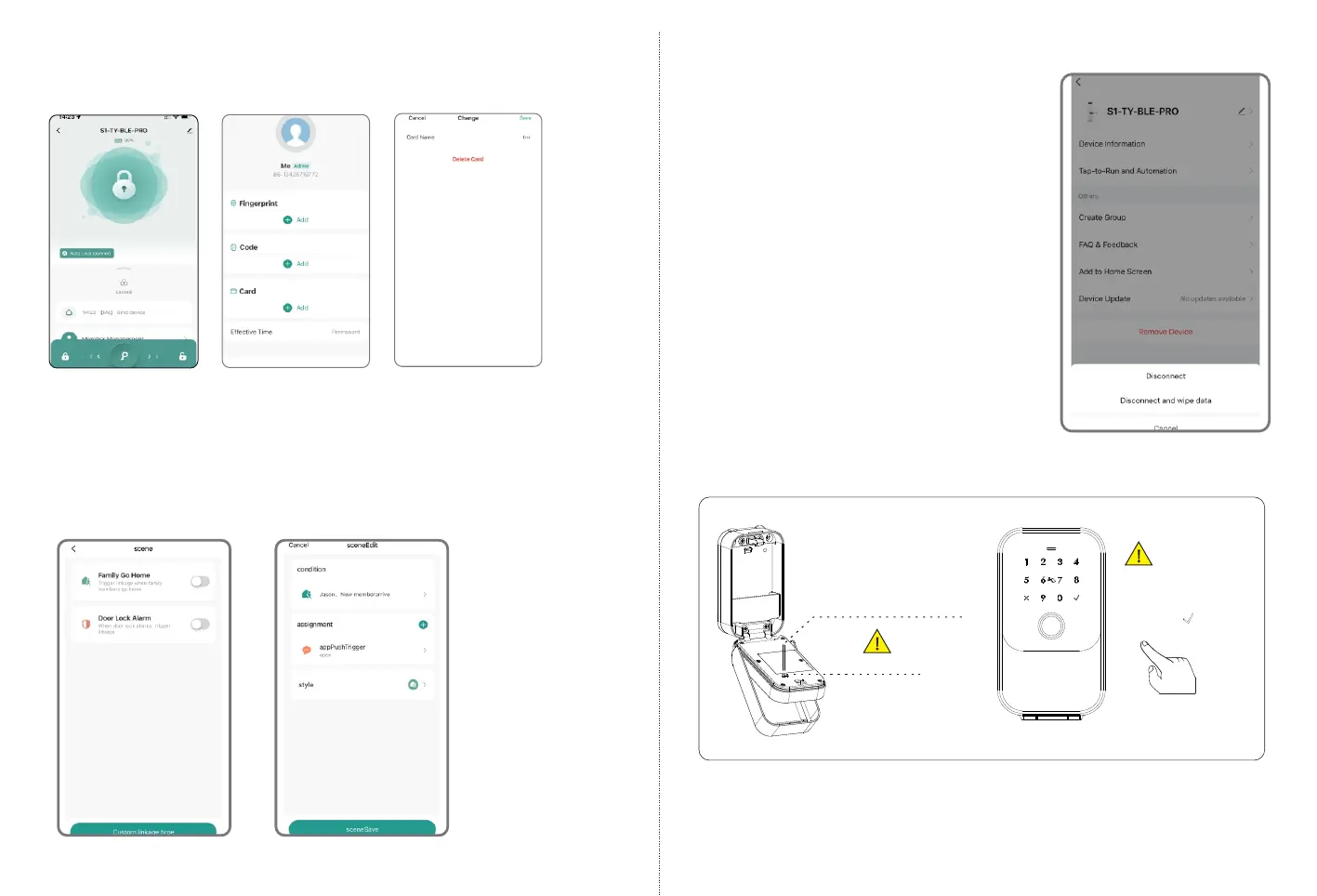
6.10 Smart Linkage and Settings
Under the Tuya APP, you can click the “Smart Scenes” for more
scene and more options for the features upon the using condition.
6.9 Delete User Card
Under Tuya smart APP setting, you can click the user card name and
delete it with below operation.
Step1:
Select Member
Step2 Choose
Card name
Step3 Delete
User Card
23
24
5
7. Reset the Lock
Under Tuya smart APP setting, you can
click the “Remove Device” and choose
the “Disconnect and Wipe Data"to
reset the lock, then the lock will be set
to factory state,
you can use any fingerprint to unlock
the lock, also the other user can add
the lock on their mobile APP; Or you
can hardware reset the lock,please
refer to page 5 .
Press the setting key
through the setting hole
with a small stick less
than 2.5mm in diameter.
(e.g. toothpicks)
Factory State:
Default password
123456+ to unlock.
Reset Button
2



 To Next Page