Long press switch 1 or switch 2 to change the name of the
switch.
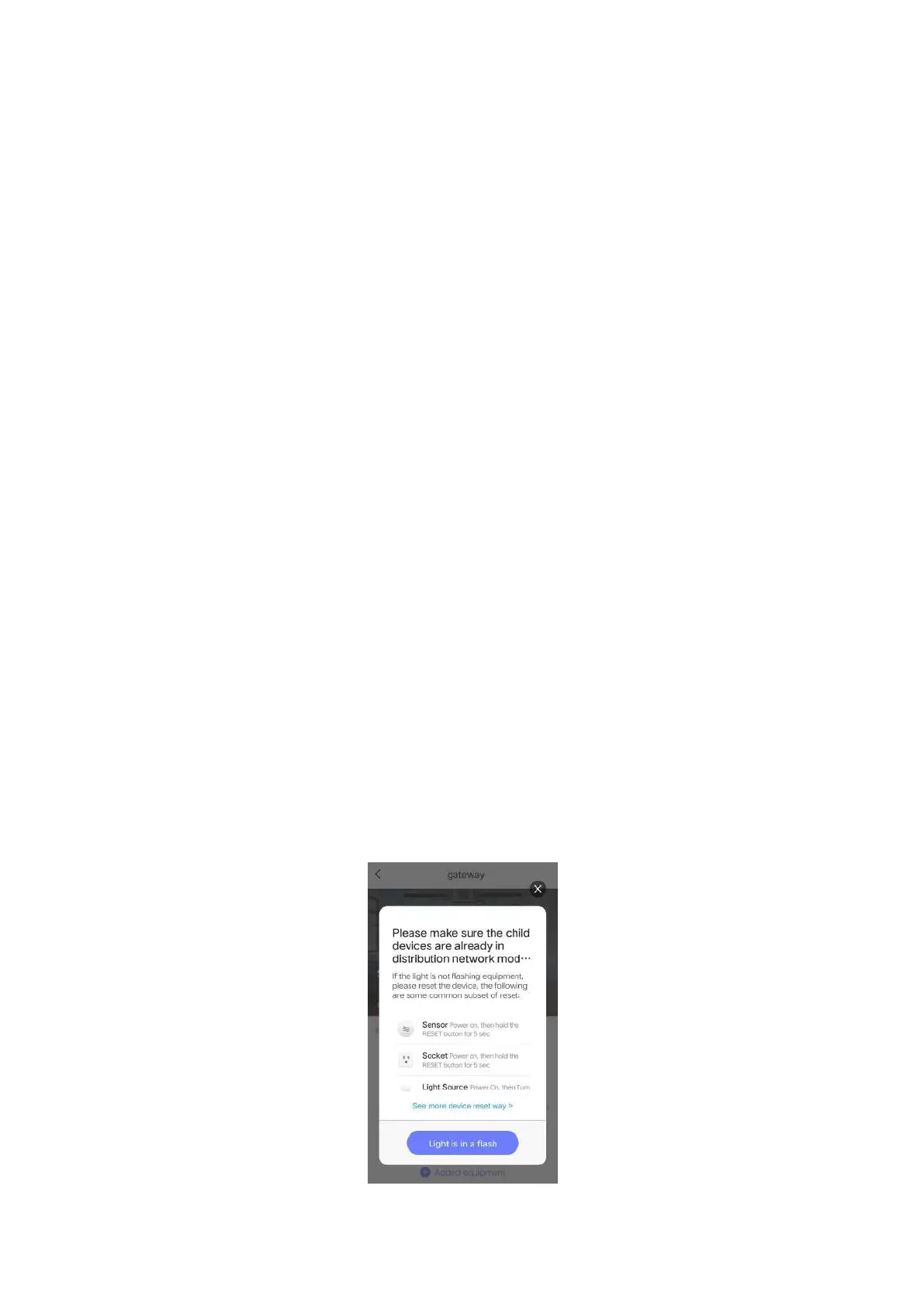
(6) Click the gateway icon to add ZigBee sub devices.
Make sure the ZigBee sub devices are in the set-up mode.
The gateway will search and add the sub devices
automatically. You can follow the user manual of the sub
devices to make sure it is in set-up mode. (Usually it is long
press the power button or the reset button in 5s, then the
LED indication light flickering which means it is in the
set-up mode.)
You will see the following pictures in the Tuya App when
you are adding sub devices to the gateway. Make sure the
sub devices are in the set-up mode and the LED indication
light is flickering.


 To Next Page