9
3) To conserve battery power, the TV-Boost™ Wireless Speaker will turn itself off if no audio signal is received from the Base for a
period of 3 minutes. The volume ON/OFF indicator will be off during this standby time. When an audio signal is re-detected, the
receiver will resume normal operation.
NOTE: If the TV-Boost™ Wireless Speaker hibernates for an extended time which prevents the normal operation, simply turn
the volume knob to the OFF position, then turn the knob back to the ON position. If sound is not heard, place the TV-
Boost™ Wireless Speaker back on the base, rotate the volume knob to turn off again, then turn the volume knob back to
the ON position. This will force a re-sync between the TV-Boost™ Wireless Speaker and its Dock/Base.
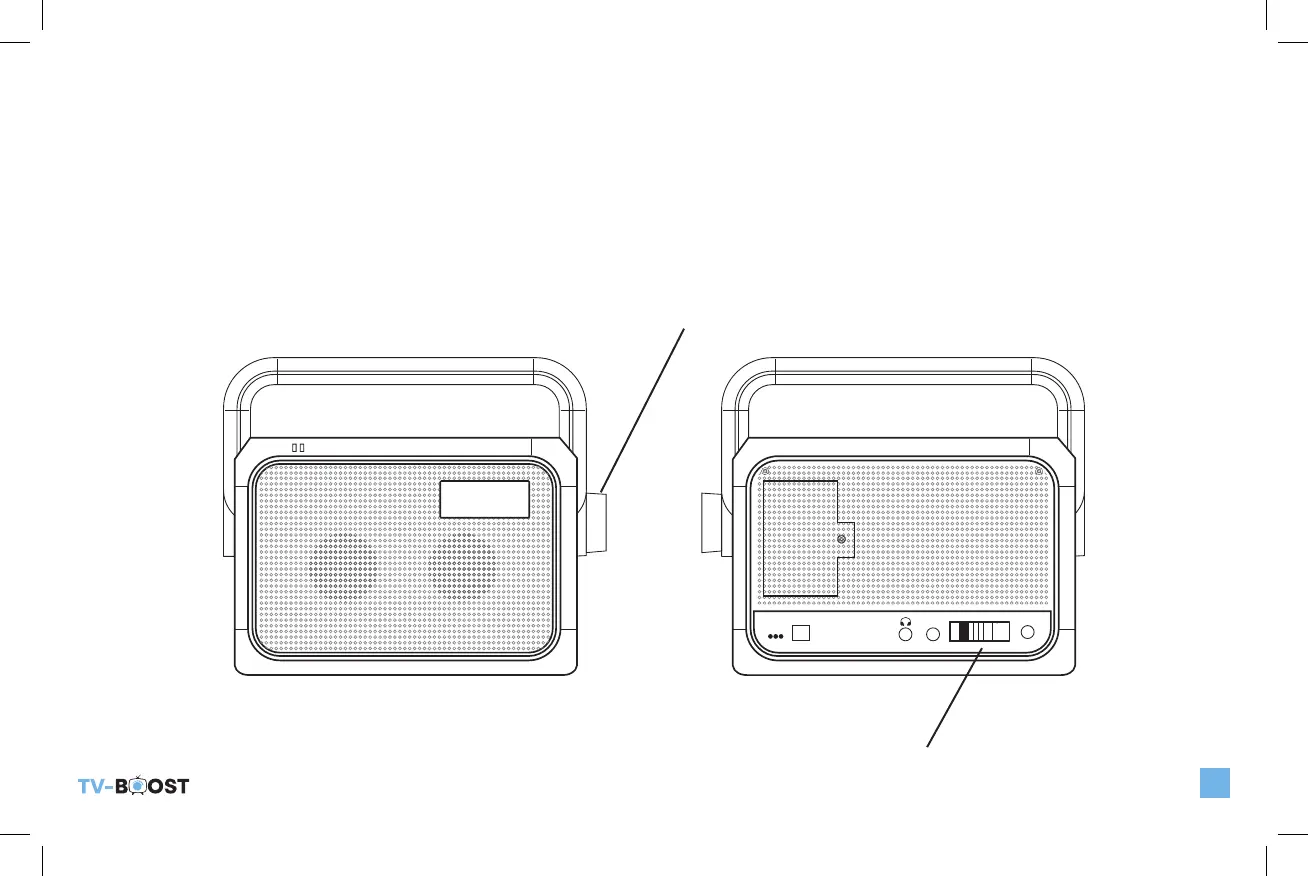
4) Set the Tone Control to a position that best allows you to hear and understand TV Sound dialog.
POWER
LOW BATT
CHARGING
DC5V
POWER
MUSIC
AUDIO IN
TV
PAIRING
TONE
TV_Boost_B6000ManualRev2.indd 9 10/20/22 10:47 AM


 To Next Page