EasyManua.ls Logo

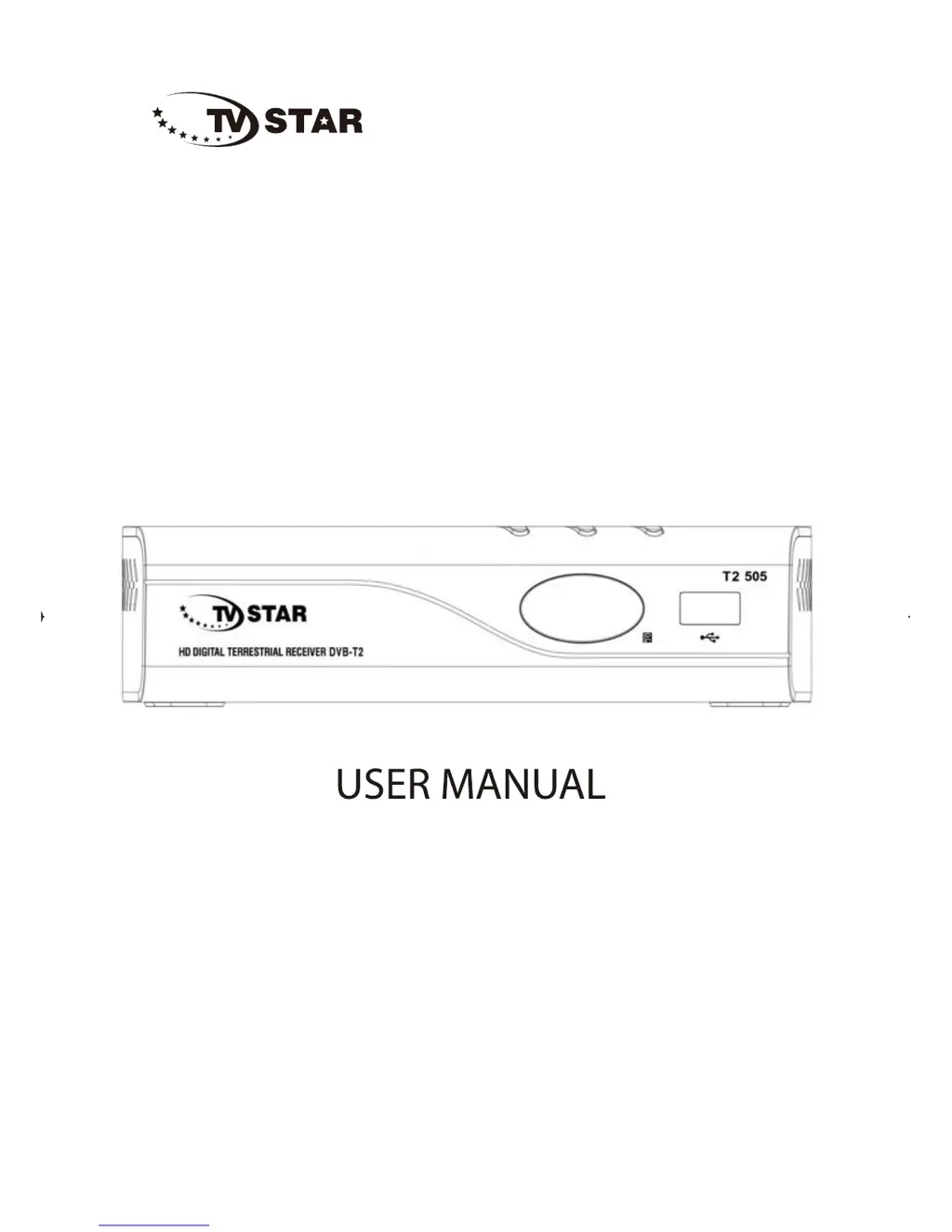
TV Star T2 505 - User Manual

TV Star T2 505
68 pages
Print Icon
To Next Page IconTo Next Page
Loading...
High Definition Digital Receiver
T2505
T2 505
www.tvstar.eu

Questions and Answers

  • D
    Darrell EvansJul 31, 2025
    Why is my TV Star TV Receiver remote control not responding?
    • S
      Sandra MackAug 1, 2025
      If the remote control for your TV Star TV Receiver isn't responding, it could be due to exhausted batteries. Try changing the battery. Also, make sure the remote control is facing the Set Top Box and is close enough to it. Adjust the position of the remote control and move closer to the unit.
  • C
    Cassandra SheltonAug 7, 2025
    Why does my TV Star T2 505 TV Receiver screen show 'No Signal'?
    • H
      hyoungAug 7, 2025
      If your TV Star TV Receiver screen displays 'No Signal', the DVB-T cable may not be connected. Plug in the DVB-T cable. Alternatively, the aerial cable might be faulty, so check the aerial cable and its connections.
  • H
    hughesrachaelAug 12, 2025
    How to fix a TV Star T2 505 TV Receiver with only sound and no image?
    • B
      Benjamin FloresAug 13, 2025
      If your TV Star TV Receiver has sound but no image, first ensure that the AV cable is correctly connected. If the cables are connected correctly, the program might be a radio program. Press the key to switch to TV mode.
  • R
    Ray MoralesAug 25, 2025
    Why is the picture breaking up on my TV Star T2 505?
    • D
      David SimpsonAug 26, 2025
      If the picture on your TV Star TV Receiver is breaking up, the signal might be too weak. Check the aerial cable and connections to ensure they are secure.
  • R
    Rachel SmithSep 10, 2025
    What to do if there is no sound from TV Star T2 505 speaker?
    • C
      carolynperezSep 12, 2025
      If there is no sound from the speaker of your TV Star TV Receiver, first check the audio cable connection; ensure it is connected correctly. Also, verify that the sound isn't muted and turn off the mute function if it is enabled.

Summary

Important Safety Instructions

Connecting to Television

Initial Setup and Basic Operation

First Time Installation Guide

Walkthrough of initial setup via the on-screen installation guide.

Program Management Basics

Accessing and adjusting general program settings through the main menu.

Program Editing and Management

Editing Program Preferences

Steps for locking, skipping, favorite, moving, or deleting programs.

Managing Favorite Channels

Creating and viewing lists of favorite TV or Radio channels.

Channel Navigation and EPG

Electronic Programming Guide (EPG)

How to view TV program schedules for the upcoming week.

Channel Search Procedures

Automatic Channel Scan

Performing a full scan to find available channels automatically.

USB Media Playback

Recording Functions Setup

Scheduled Recording

How to schedule recordings of TV programs in advance.

Troubleshooting Common Issues

TV Star T2 505 Specifications

General IconGeneral
Electronic Program Guide (EPG)Yes
TeletextYes
Subtitle SupportYes
Parental ControlYes
Remote ControlYes
Loop ThroughYes
Tuner TypeDVB-T2
Video FormatsMPEG-2, MPEG-4, H.264, H.265
Audio FormatsAAC
ResolutionFull HD
USB PortYes
HDMI OutputYes
Media PlaybackYes

Related product manuals