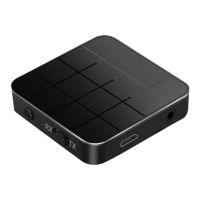
Switch Mode:
EN
. 1 RX: Ontvangstmodus, indicator: blauwe LED
. 2 TX: Zendmodus, indicatielampje: rode LED
RX Mode:
Page 04
Pairing name: KN321, nd KN321 in the Bluetooth settings of the phone to
pair. The blue light ashes twice a second during the pairing process, and
the blue light ashes once every three seconds after the pairing is successful.
HOW TO USE:
. 1 Plug one end of the audio cable into the audio input of the speaker
and the other end into the audio of the KN321.
. 2 Conrm that it is in RX mode (blue light ash). Find the pairing name
in the Bluetooth settings of the phone: KN321 click to pair.


 To Next Page