APP GUIDE APP GUIDE
42
using the app
43
using the app continued
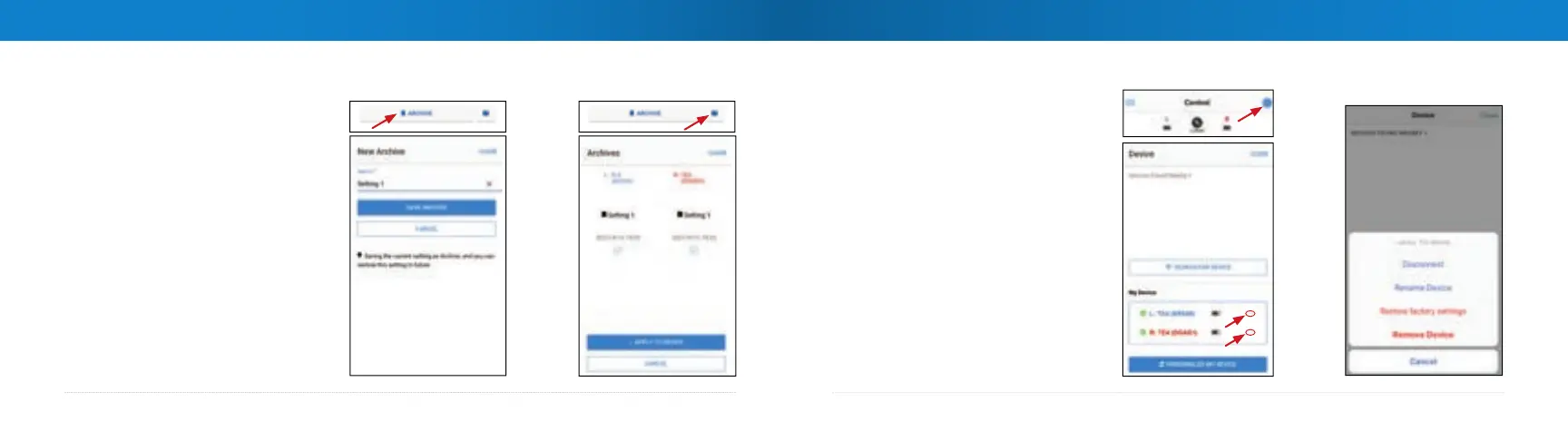
ARCHIVE
Use the
ARCHIVE function to
save and retrieve your favorite
settings.
To save a setting, click the
ARCHIVE button, name your
setting, click
SAVE ARCHIVE.
To use a saved setting, click the
folder icon, select the desired
setting, click
APPLY TO DEVICE.
Device Options
Device options are
available by clicking
on the gear icon
in the upper right
corner.
On the next screen,
click the ... beside
each device to
choose an action.



 To Next Page