Level 1 Level 2 Level 3
Level 4
MAX Volume
Beep Beep Beep 2 Beeps
Level 1 Level 2 Level 3
Level 4
MIN Volume
Beep Beep Beep 2 Beeps
49
using tweak enhance
Volume Control
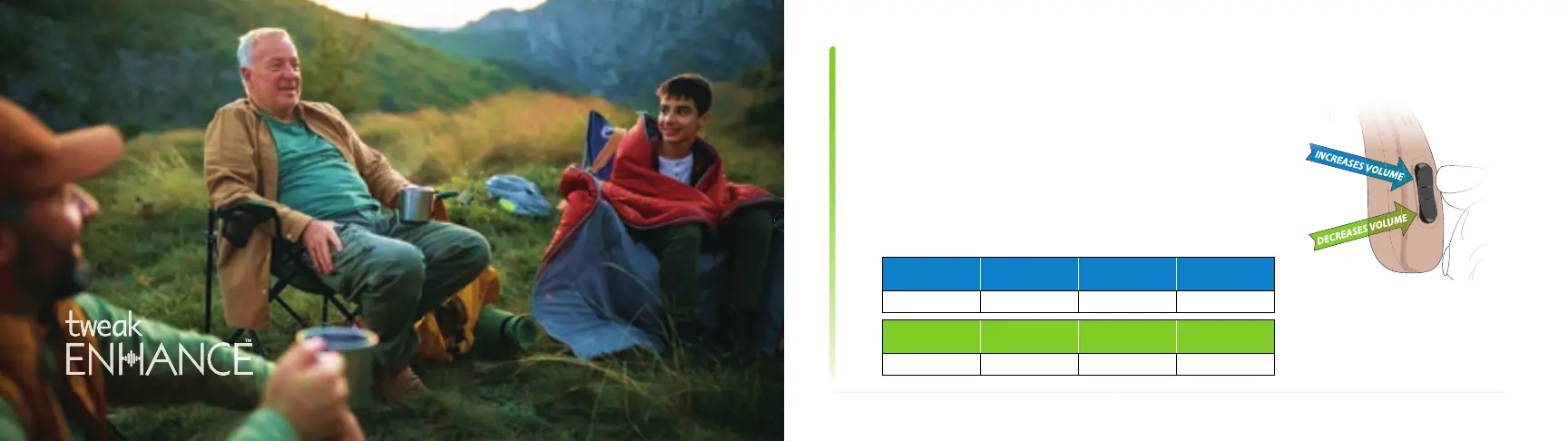
The rocker switch is used as a volume control. Pressing
the upper portion of the rocker switch increases the
volume, while the lower portion reduces the volume.
As you increase/decrease the volume, you will hear
beep sounds for each sound level.
using tweak enhance continued



 To Next Page