2
Tips:
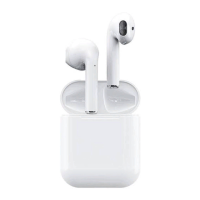
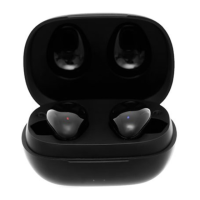
When only one earphone is connected to the smartphone, the other one is not
connected by default. For binaural use, please delete paired device, turn off the
Bluetooth on your phone, put the two earphones in the charging box then take them
out and wait for five seconds until they pair. Then, turn on the Bluetooth on your
smartphone, find A3-TWS, and click Pair.


 To Previous Page