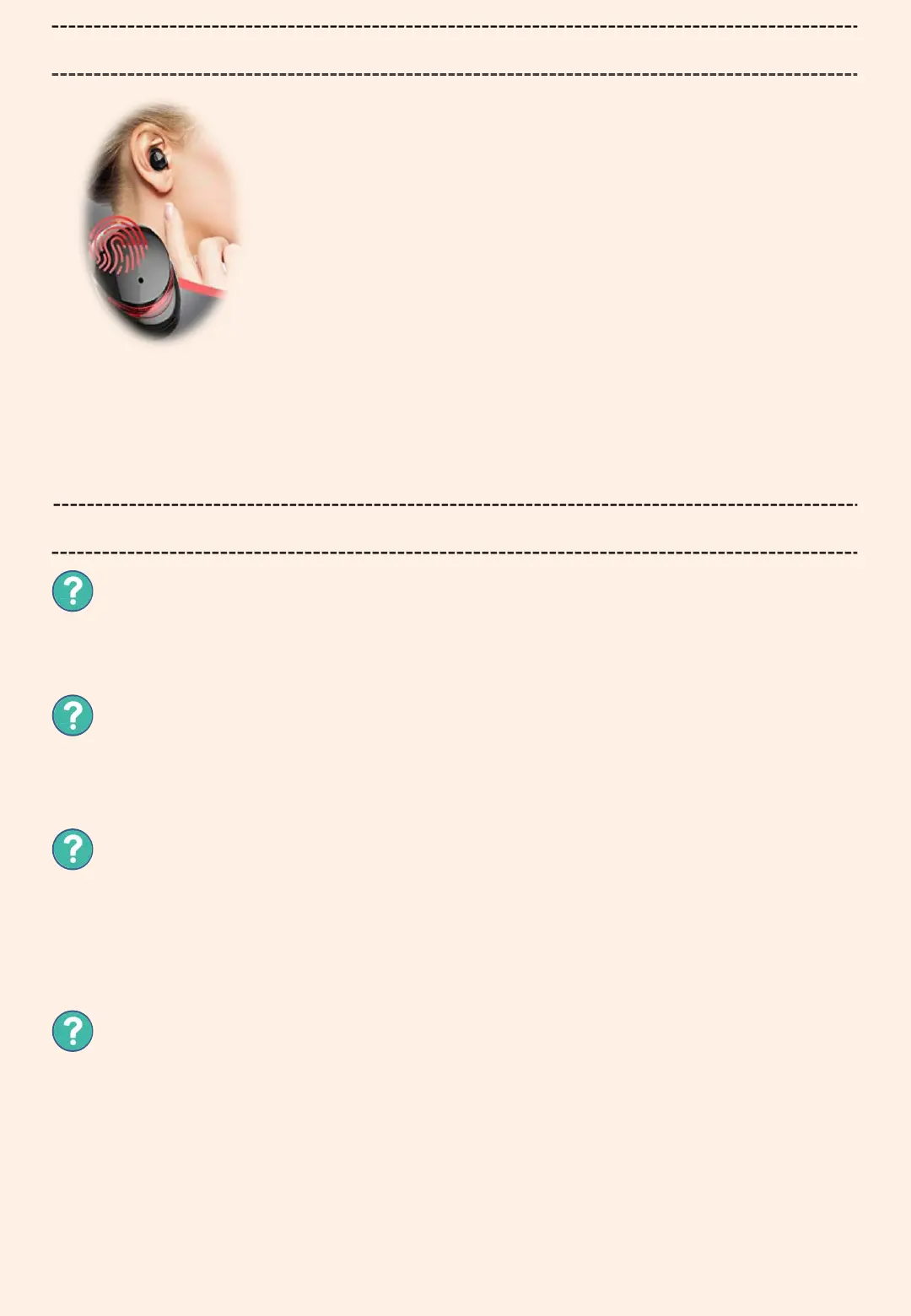
How to control touch button
The volume can not be adjusted when using single headphone, and only can
toggle next song by double-clicking on the headphones.
When the phone call coming, the headphones will remind you and tell you the
phone number (won't tell you contact name).
Switch song
Next song: Double click the right ear function button
Previous song: Double click the left ear function button.
Volume control:
Increase the volume--long touch the right touch button
Decrease the volume--long touch the left touch button
Activate Siri:
Triple tap the headphone touch button to activate Siri and
do it again to exit.
Q&A
Can I control volume or toggle song when in mono-ear mode ?
Does it tell you who is calling?
Operation on phone call:
Single touch---answer ( touch again to hang up )
Long touch---reject the call
Redial the last number: double-tap while not in music-playing status.
Will the headphone be turned off if you long press the button to adjust
the volume?
The headphone can be turned off via long pressing only if the headphone is
not in use. When the headphone is in music-playing or phone conversation
status, pressing and holding the button will not turn off the headphone.
How can I reset the headset to factory settings?
Place the headphones in the charging box, touch the button three times in
succession, the breathing light flashes twice and the light goes out for one
second, it shows that the factory setting has been restored. After the factory
default is restored, the headset deletes the historical connection record.
Please note th at the left and right headphones will be reset separately to
factory defaults: If you need to restore the factory settings for the two
headphones, you should touch the left and right headphones three times at the
same time.


 To Next Page