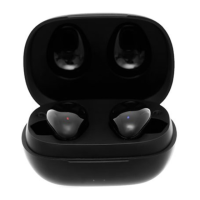
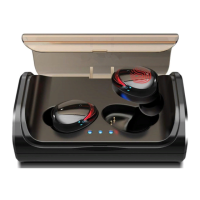
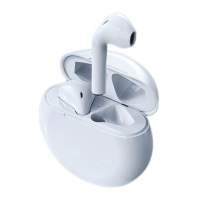
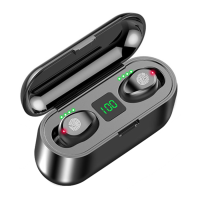
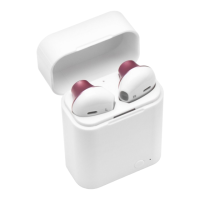
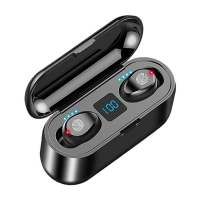
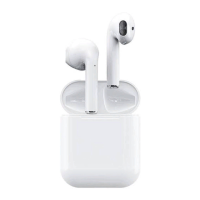
How to connect with the Bluetooth earphone (Note:
Use iPhone for example)
- and
right-channel stereo of the two Bluetooth earphones
has been paired and connected before leaving factory.
-earphone mode Initial use of the earphone
1. For the first use, after charging the charging box full,
please put the left (L) and right (R) earphones into the
charging box for activation.
2. Remove the left (L) and right (R) earphones from the
charging box. The left (L) and right (R) earphones can
finish TWS pairing automatically, a tone will be heard.
3. Open the Bluetooth on your phone, search for
Bluetooth earphone TS11 mini. After the TS11 mini
is found, click Pair to complete connection.
-earphone mode (Using either of the earphones
independently)
1.when the earphone is removed from the charging
base, the headset is automatically turned on and the
dùng iPhone)
thun tin cho khách hàng, bên trái và phi ca hai tai nghe
c ghép ni và kt ni vc khi xut
ng.
tai nghe kép - Lu s dng tai nghe
i vi ln s du tiên, sau khi sp st tai
nghe bên trái (L) và phi (R) vào hp s kích hot.
2. Tháo tai nghe bên trái (L) và phi (R) khi hp sc. Tai nghe bên
trái (L) và phi (R) s ghép ni t ng và có âm báo khi hoàn
thành ghép ni TWS.
3. Khn thoi và tìm kim tai nghe
Bluetooth TS11 mini. Sau khi tìm thy tai nghe Bluetooth, nhp vào
ghép n hoàn tt kt ni.
mt tai nghe (S dc lp cho 1 trong 2 bên tai
nghe)
c tháo khi hp sc, tai nghe s t c
bLed hin th -Xanh nhp nháy sn sàng trong trng
thái ghép ni.


 To Next Page
 Loading...