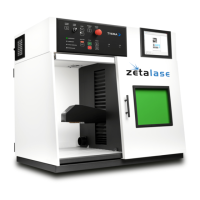
System Operation
STEP 3 Open Minilase Pro SE -
STEP 4 Verify System Status -
Locate the “Minilase Pro SE”
link on the desktop and double click to open.
Confirm the Laser and
Computer are connected through the software by opening
software. Should the laser not be connected the software will
state “No Laser System Present”. If you have no connection
contact TYKMA Service & Support (1-877-318-9562).
STEP 5 Focus the Laser - For a “Power Z-axis”, press the up and down arrows on
the Operator Pendant until the focusing beams converge. For an “Automatic
Programable Z-axis”, click “Part Height” and type in the height of your part and then
click “Trace”. The Z axis will then move to the correct focal position.
Step 3: Open “Minilase Pro SE”
Zetalase™
21
General Manual SE 1
Step 5: Programable 7 click “Part Height”
Step 5: Enter part height click “OK”
Step 5: Aiming Beams not Focused (non-converged)
Step 5: Aiming Beams in Focus (converged)


 To Next Page
 Loading...