Doc No. FM0637 issue E Page 2
Registering a Pendant onto a Reach at-home alarm unit
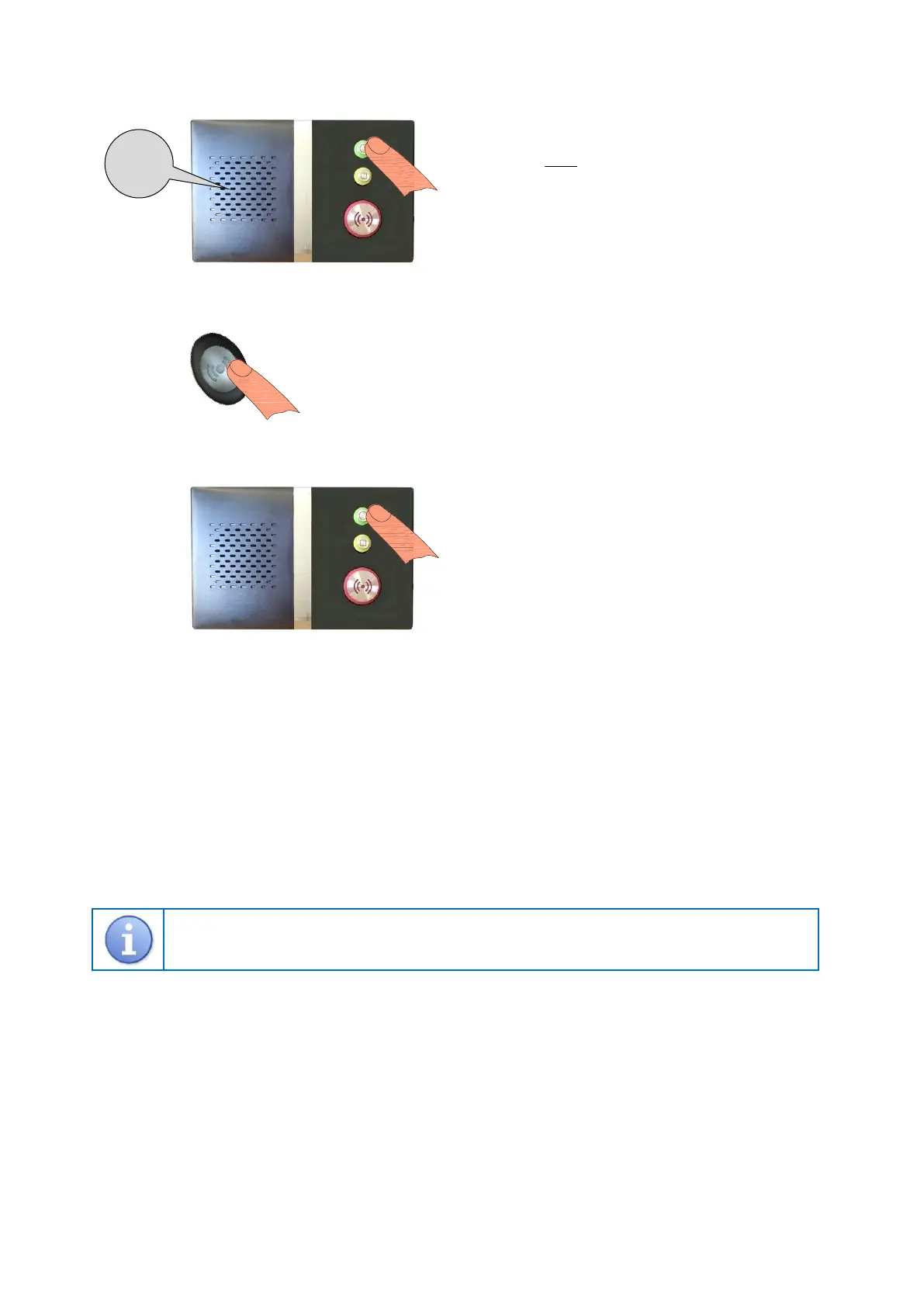
1. Put the Reach unit into radio device learn mode…
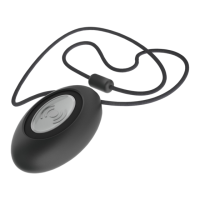
2. Activate the pendant…
3. Exit radio device learn mode…
4. Check with the Control Centre that it is convenient to perform a test call, press the pendant button and confirm they receive a
pendant alarm call.
Deleting a Pendant from a Reach at-home alarm unit
Enter 1 6 7 0 using the keypad on the rear of the Reach unit – the front light will FLASH FAST GREEN and the unit will
announce “Program Mode - Ready”.
Enter # 0 4 1 and the Reach will announce “Delete Radio Device” followed by a “Beep”.
Enter the 8 digit pendant ID to be deleted; after the “Beep” press # to exit.
Press the key to exit Program Mode; the unit will sound a “Double-Beep” and the front light will return to STEADY GREEN.
The 8 digit ID can be found on the label on the back of the pendant – it will always start with 20xxxxxx
The instructions given above for the standard Reach product also applies to the Reach Plus, Reach Plus GSM
and Reach Ultra models. Refer to the instruction booklets provided with these products for more information
on programming and testing radio devices.
Press the SILVER button once, the light will flash RED for several seconds and
the Reach will announce “Pendant”.
Press and HOLD the GREEN button on the Reach unit.
When the front light FLASHES FAST GREEN release the
button and the Reach will announce “Trigger Radio Device”.
You now have 1 minute to activate the pendant.
Press the GREEN button on the Reach unit.
The front light will return to STEADY GREEN and the Reach
is back in normal operating mode.


 To Next Page
 Loading...