4
2.2) Loading the Paper Roll and Ink Ribbon
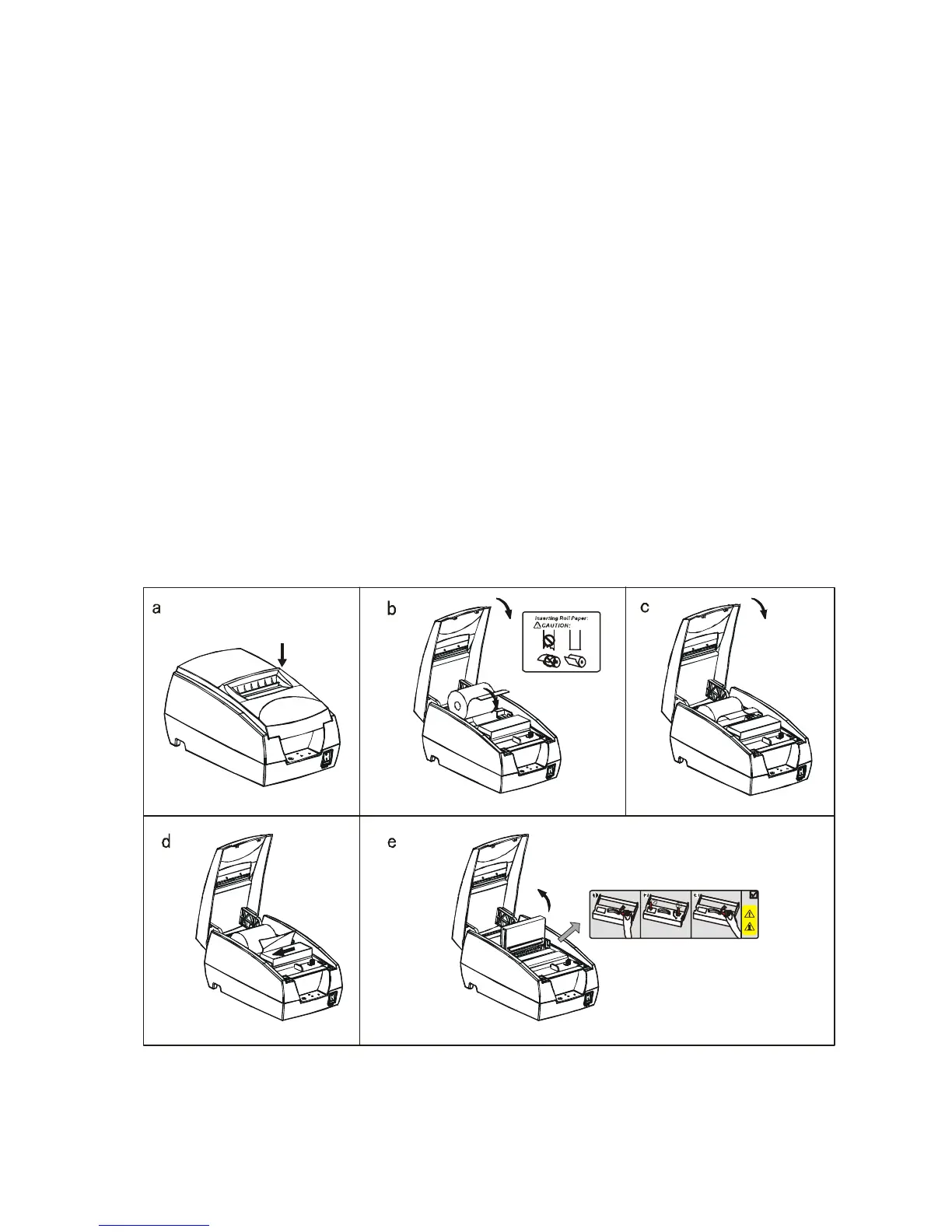
a. Make sure that the paper roll matches the printer’s specification. Do not use paper rolls that
have the paper glued to the core because the printer cannot detect the paper end correctly.
Important: The printing quality and lifespan of the printer head cannot be guaranteed if
any paper other than that recommended is used. Thus, the warranty will be void
automatically if any fault occurs due to the use of wrong paper rolls.
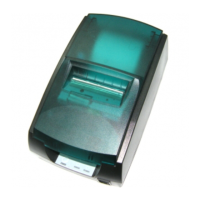
b. Open the top cover
Important: Do not open the printer cover when printing is in progress.
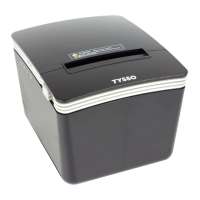
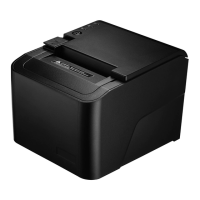
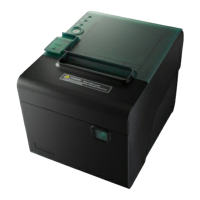
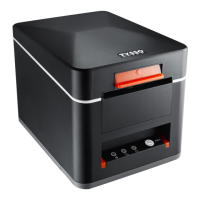
c. Install the paper roll as the picture showing direction
d. Pull the paper out of some length to outside, then close the cover.
e. Open the printer’s cover, turn the knob five or six times in the direction of the arrow, insert
the ink ribbon, and push the ribbon cassette down until it clicks.
Open Cover


 To Next Page