12
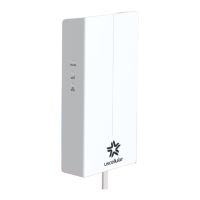
LED INDICATORS
By default, the LED indicators remain on at all times. You can change this
in the app so that they turn o after 30 minutes of operation if there are no
errors to display.
In this mode, the LEDs automatically wake if an error occurs and remain
on until the error is resolved.
SOFTWARE UPDATES
Your UScellular
®
Outdoor Receiver checks daily for software updates and
applies them automatically.
Updates are infrequent and generally applied in o-peak usage periods.
When a software update is being applied, your internet access is
interrupted for approximately two minutes.


 To Next Page