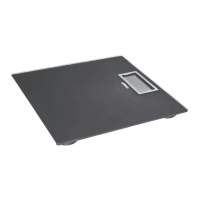
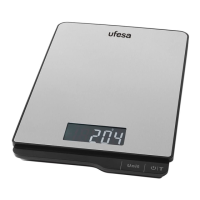
Control panel
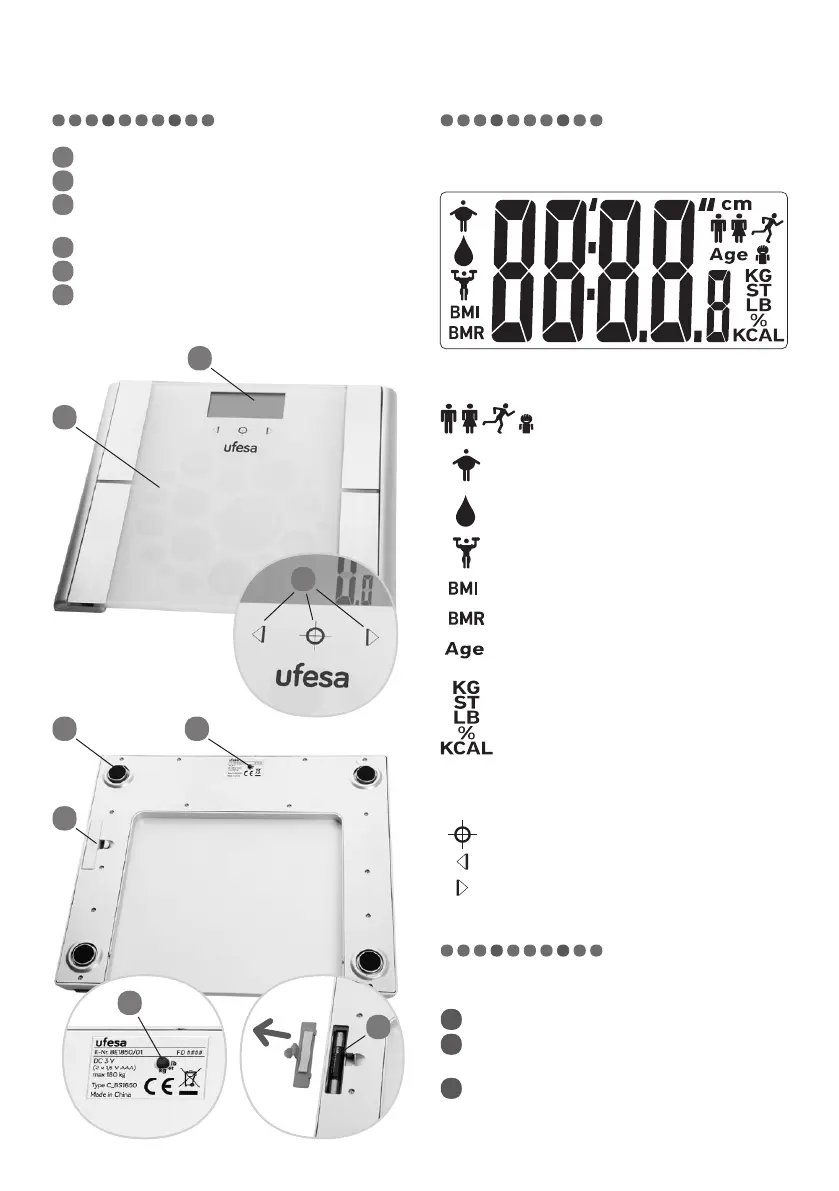
DISPLAY SYMBOLS
– gender and body type
– body fat
– body water
– muscle mass
– Body Mass Index
– Basal Metabolic Rate
– age
– measurement units
FUNCTION BUTTONS
– set / confirm
– increase / select
– decrease / select
Use and functions
HOW TO USE
1
Remove the scales from the box.
2
Insert batteries into the battery compartment
(see“REPLACING BATTERIES”).
3
Switch on the scales by stepping on weighing
platform.
Description of the appliance
1
Electronic display
2
Function buttons
3
Weighing platform with BIA feature (bioelectrical
impedance analysis)
4
Rubber feet
5
Battery compartment (2 x 1,5 V AAA)
6
Weighing unit button
64
5
6
5
1
3
2



 To Next Page