All connecting displays are identified, and the digital identifier is
displayed in the lower left corner of each display.
Select the screen area
You can manually select the working area of the screen according to the
prompts. For details, see "Select screen area" in 2.3.3.1.1.
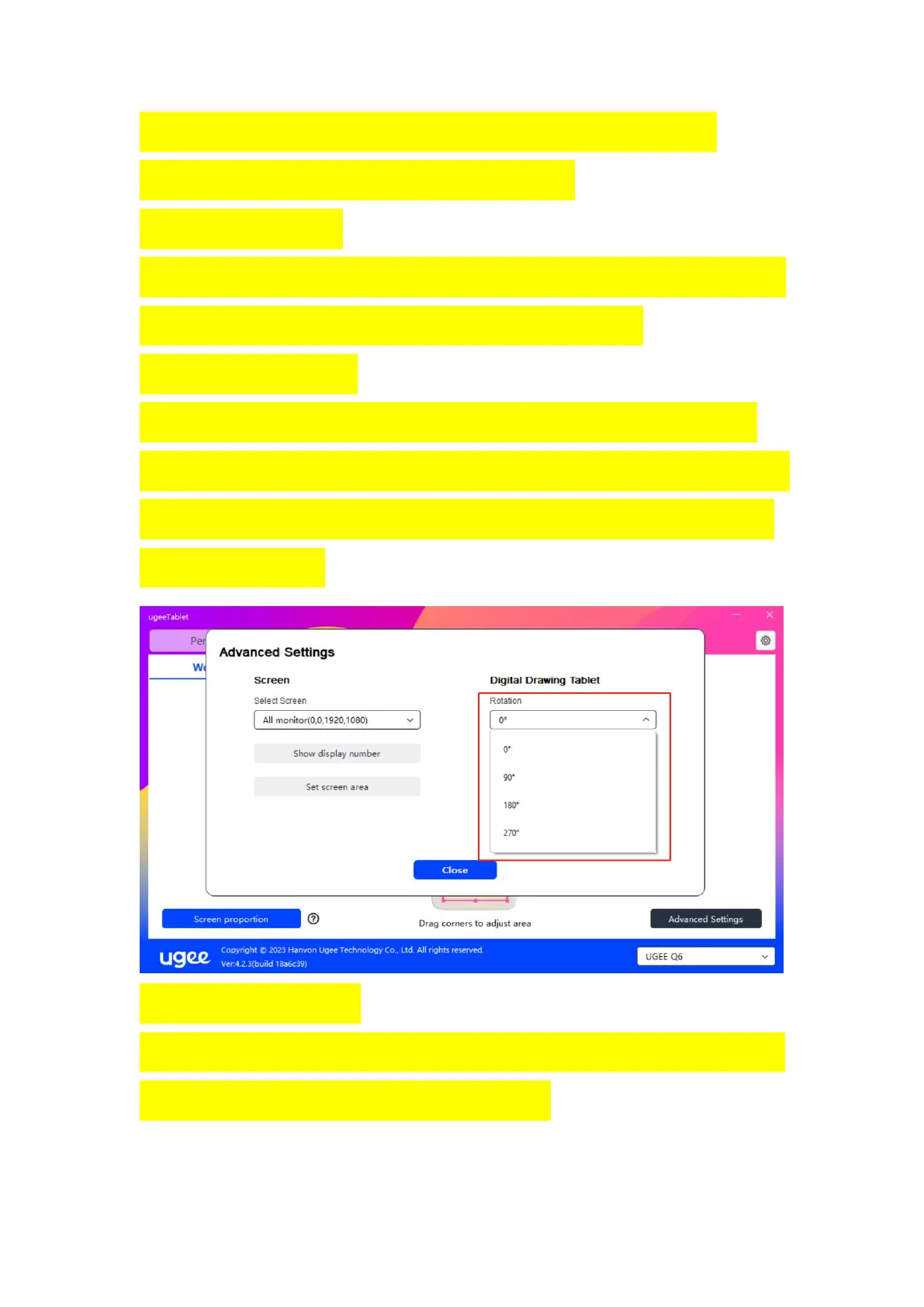
Rotating angle settings
You can set the device to 0°, 90°, 180°, 270°. You can also change the
placement direction of the drawing board at will instead of being limited
to left and right placement. We provide options for four directions: up,
down, left, and right.
Select handwriting area
You can manually select the handwriting area according to the prompts.
For details, see "Select Work Area" in 2.3.3.1.2.



 To Next Page