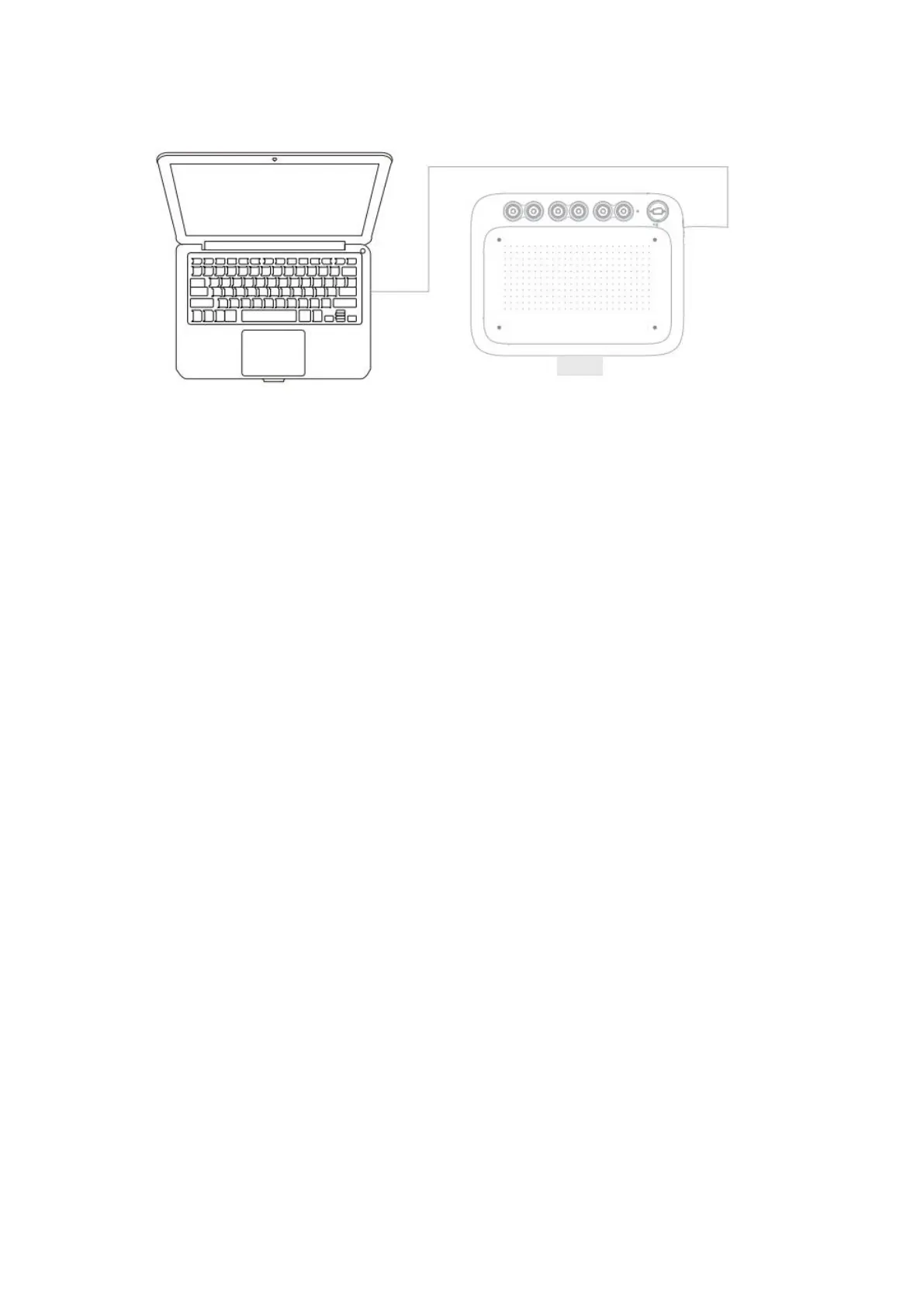
Attention:
1) If the computer does not have a fully functional USB-C interface, a s USB-A to
C cable needs to be prepared by yourself;
2) If a longer USB cable is required, it needs to be prepared by yourself.
Step 2: Download and Install Drivers.
Step 3: Check if there is pressure on the drawing tablet. (Open drawing software
such as Photoshop or Sai to test line pressure.)
Step 4: Start your creative journey!
02 Driver Introduction
2.1 Driver Download
Go to the ugee website (www.ugee.com) and download the driver
for the appropriate operating system based on the product model you
have purchased.
Notes:
Before installing the driver, turn off all antivirus software and
graphics software.
Uninstall drivers (if any) of other brands’ digital drawing



 To Next Page