2.3.4 Driver Settings
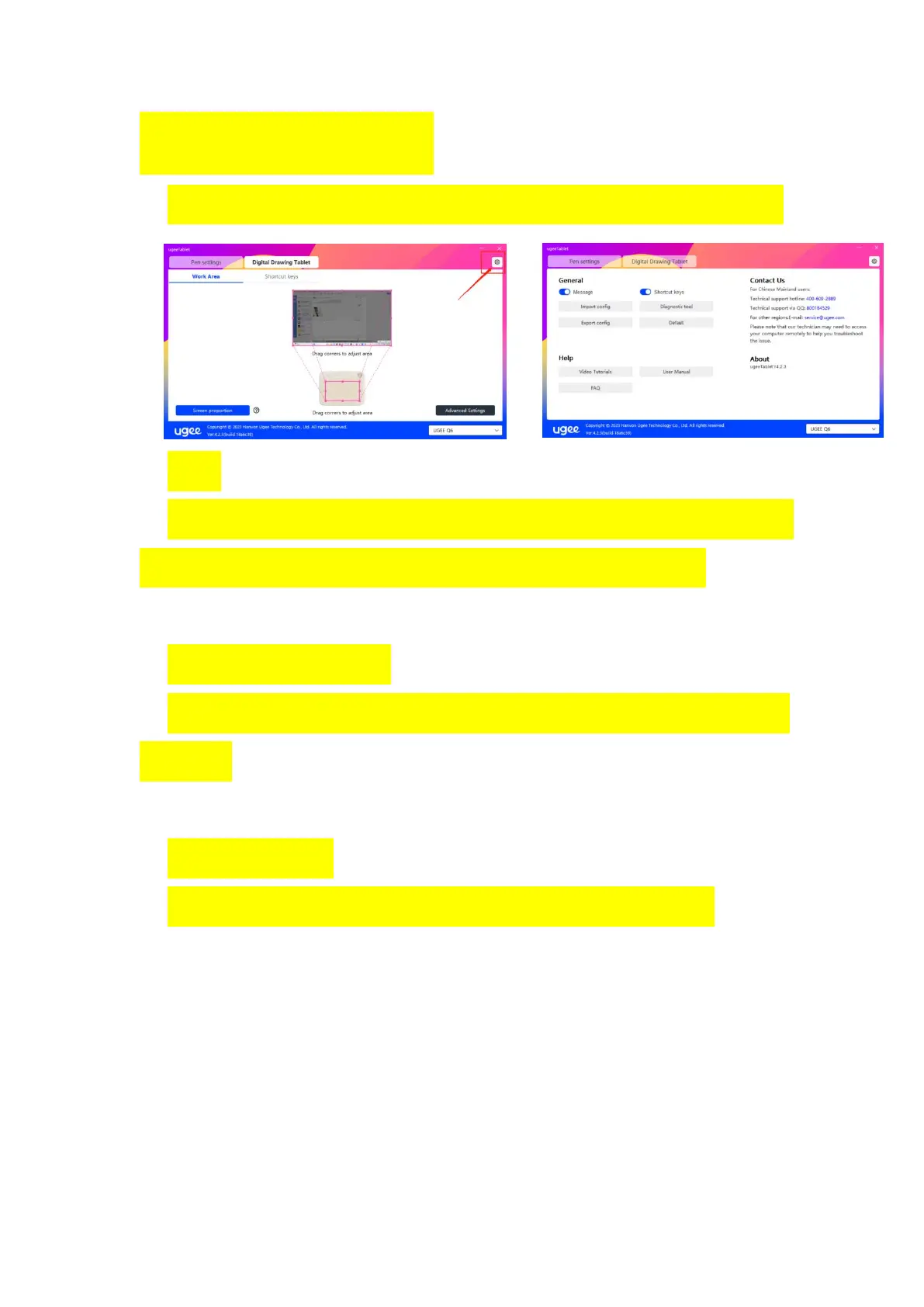
Entrance: Click on the settings icon in the upper right corner to enter.
Tips:
When the switch is turned off, when using the device and pen buttons,
the key state will not be displayed at the bottom of the screen.
Open the shortcut key:
When the switch is turned off, the function of all keys of the device is
turned off.
Import configure:
You can import configured shortcut keys and other functions.



 To Next Page