1.6.1 Bluetooth mode user guide
a. Press and hold the power key for 3 seconds to turn on the device.
b. Press the power key 3 times in a row to enter Bluetooth pairing state (the
indicator light will be quickly flashing green).
c. Enter the Bluetooth connection interface on the computer/Android
phone/tablet and search for the device name“Q8W”and complete the pairing.
d .Run the driver, set the parameters and test the product performance (no
driver is required for mobile phones/tablet products).
1.6.2 Wired mode user guide
a. Connect the device to a computer/mobile phones/tablet or other device with
a USB data cable.
b. Run the driver, set the parameters and test the product's performance (no
driver is required for mobile phones/tablets products).
1.6.3 System Requirements
Wired mode: Windows 7 or later, Mac OS X 10.12 or later, Chrome OS 88 or later,
and Android 6.0 or later.
Bluetooth mode: Windows 10 or later, Mac OS X 10.12 or later, and Android 6.0 or
later.
2.1.1 Visit the ugee official website (www.ugee.com) to download the Q8W driver.
2.1.2 Before installation, please ensure all drawing and antivirus software are closed.
2.1.3 Double-click to run the driver, follow the prompts and click "Next" until the
installation is completed, then restart the computer.
02 Driver Introduction
2.1 Driver Download and Installation
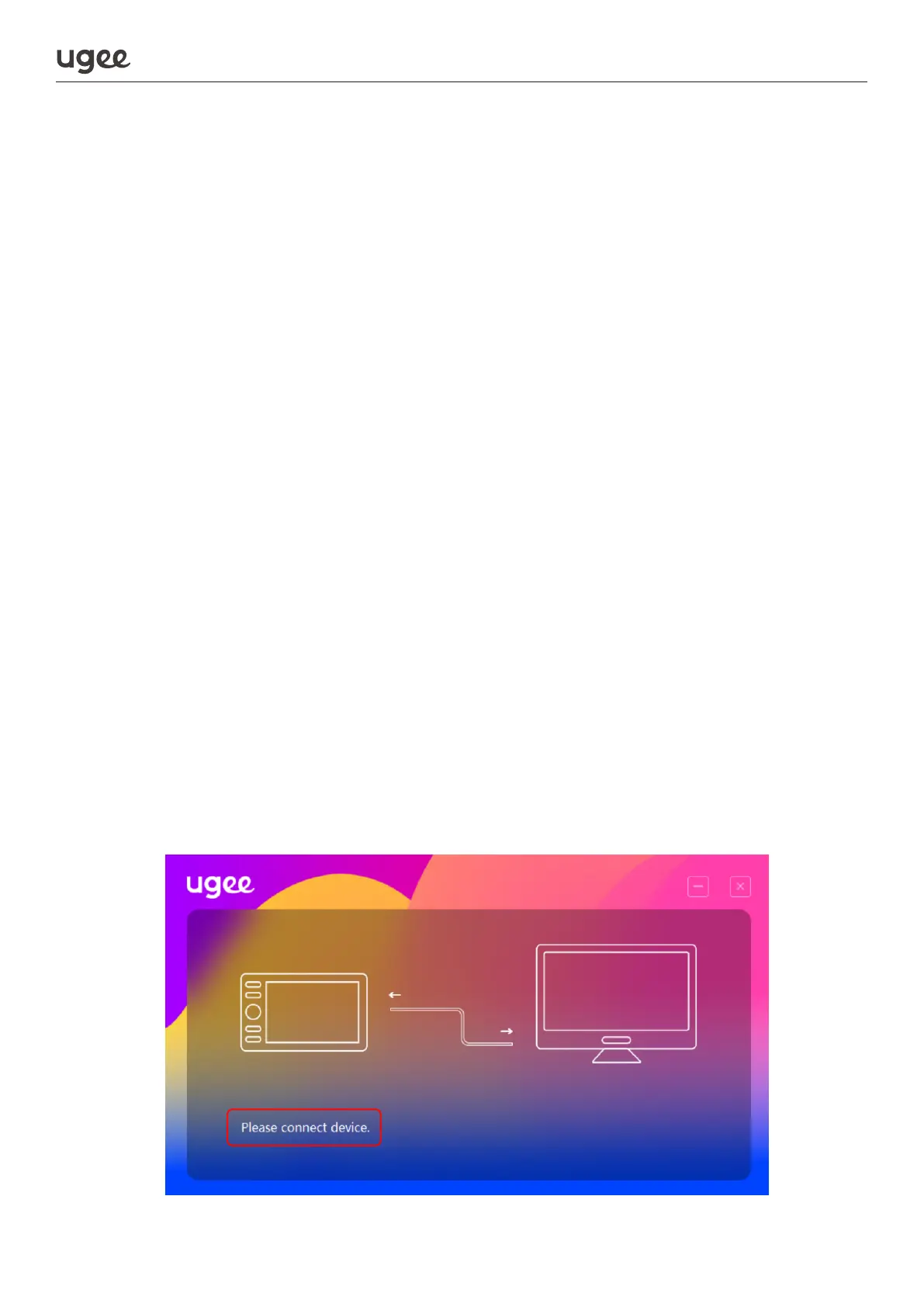
2.2.1 Device Connection Alert
a. Please connect device: This indicates that the product is not connected
(Figure 1).
2.2 Fuction Settings
Figure 1
4
Tips: Some Android smartphones/tablets may not be able to use Bluetooth con-
nection for drawing due to hardware compatibility issues. If you encounter such
issues, please switch to wired mode and contact customer service for further assis-
tance.
1.6.4 Driver Download
Visit the ugee official website (www.ugee.com) to download the driver and follow
the instructions to complete the installation process (no driver is required for
mobile phones/tablets products).


 To Next Page
 Loading...

