4
How It Works
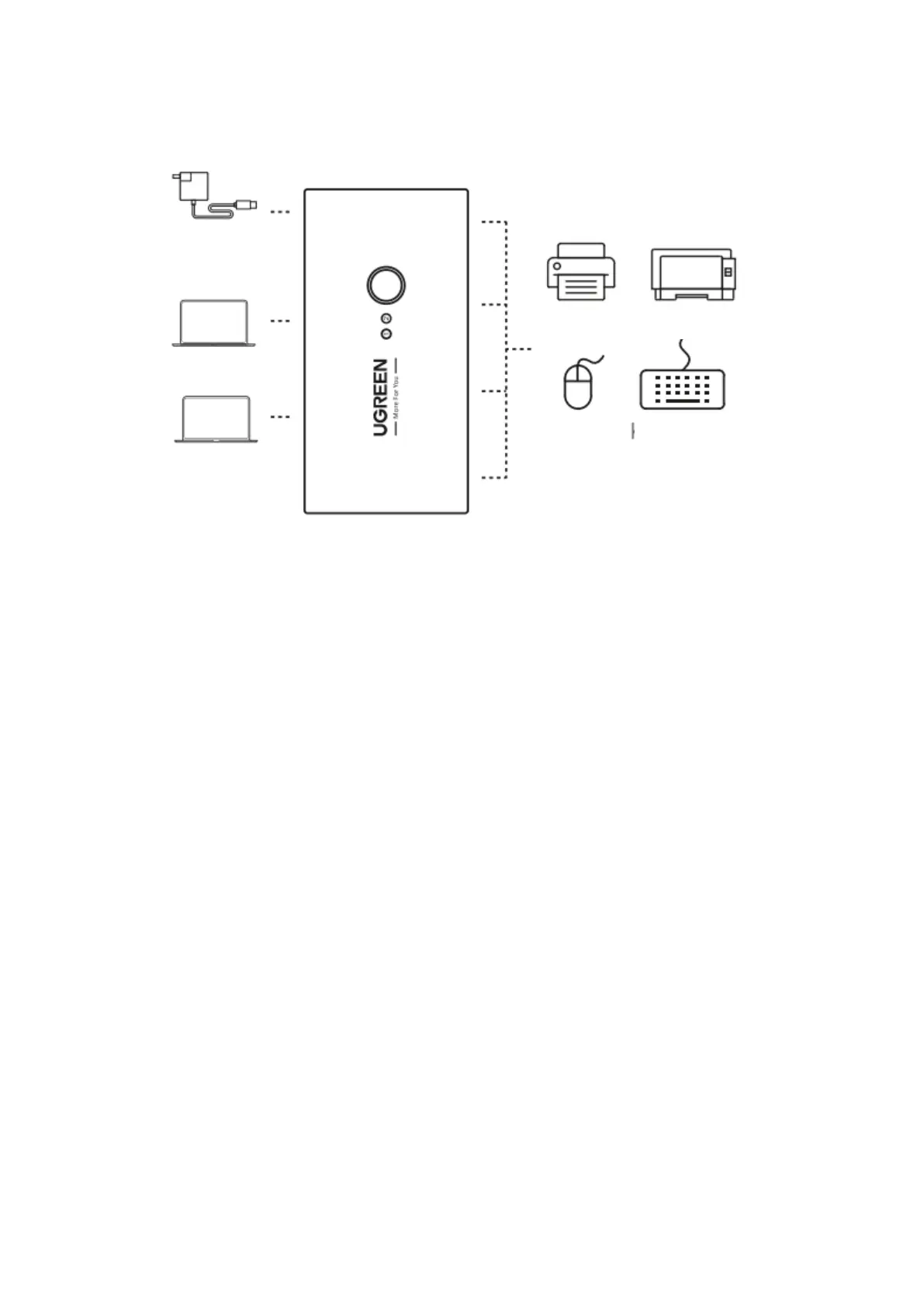
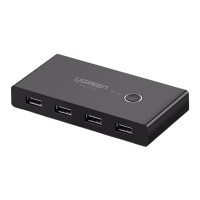
1. Connect the first computer to the Input 1 port of the Switch, and the second computer to
the Input 2 port.
2. Connect your USB devices such as your keyboard, mouse, flash drive, portable hard drive,
or printer to the output ports.
3. Press the Select button to switch between two computers.
Notes
1. Please power this Switch through the Micro USB power port when you connect power
hungry devices such as mechanical keyboards, printers, or external storage devices.
(Micro USB cable is not included.)
2. Input 1 is the default input port. When you first connect the Input 2 pot, the Input 1
indicator will be on. You need to press the Select button to switch to Input 2.
Package Contents
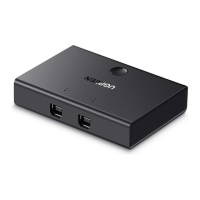
1 × 2-in 4-out USB Sharing Switch Box
2 × USB Cables
1 × User Manual


 To Next Page