10
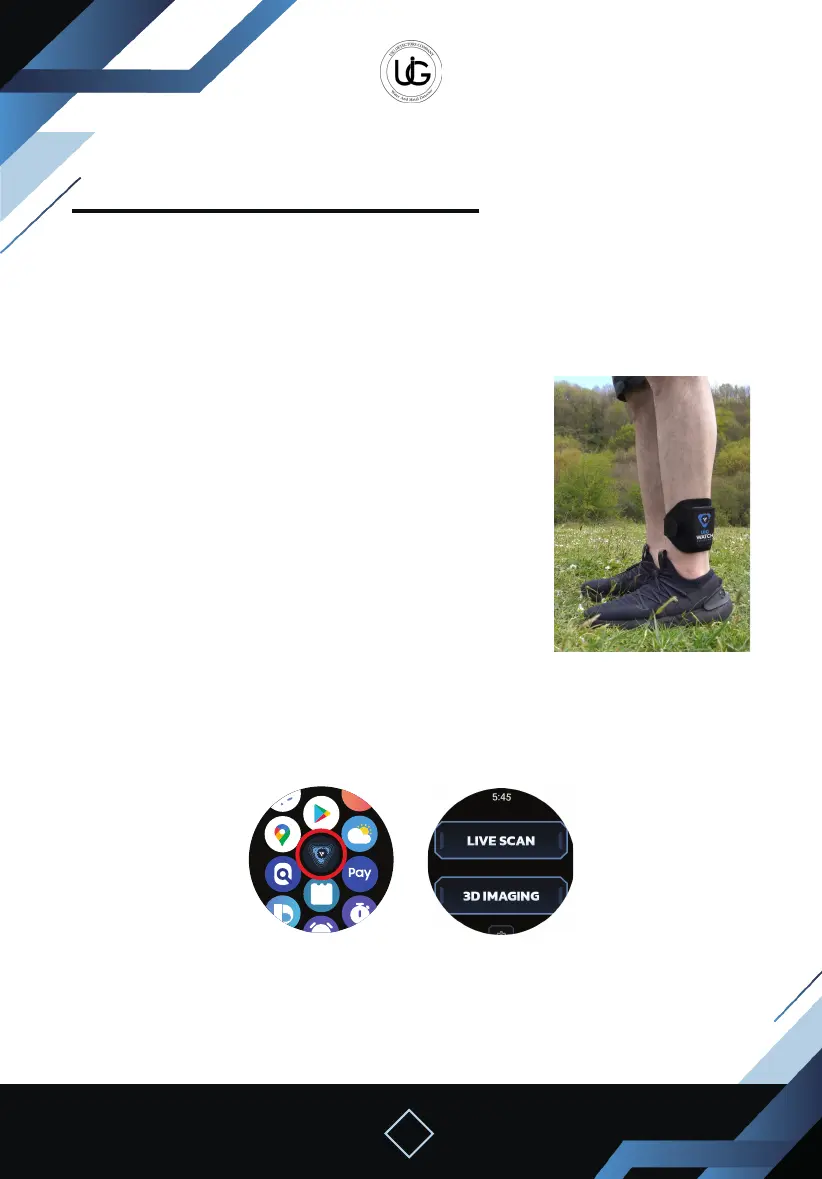
Using the ground live scan system with the smartwatch:
To start using this system, attach the device
holder to your leg and then turn on the device
by pressing and holding the power button, and
then place the device into the holder.
The device must be straight and stable towards
the ground.
Press the watch icon on the mobile phone and switch to the smartwatch.
You can now close the phone while keeping it near to the device.
Open the application on the smartwatch.
Press the “Live Scan” button on the main screen of the application on the watch.
Wait until the device is calibrated with the soil, then walk slowly with close steps in the
designated search area, keeping the device stable and pointing towards the ground.
Live Scan System Operation Steps (For Ground)
First
Device Operation Steps
Home ScreenWatch app icon


 To Next Page
 Loading...