11
Walking should be in one direction, without changing direction.
If there is an obstacle, we must remain in the same direction and take steps to the right or
left to move away from the obstacle, then continue walking.
If we want to change the search direction, we rotate
and stabilize, press the calibration button and wait until
the calibration process is completed, then continue
walking.
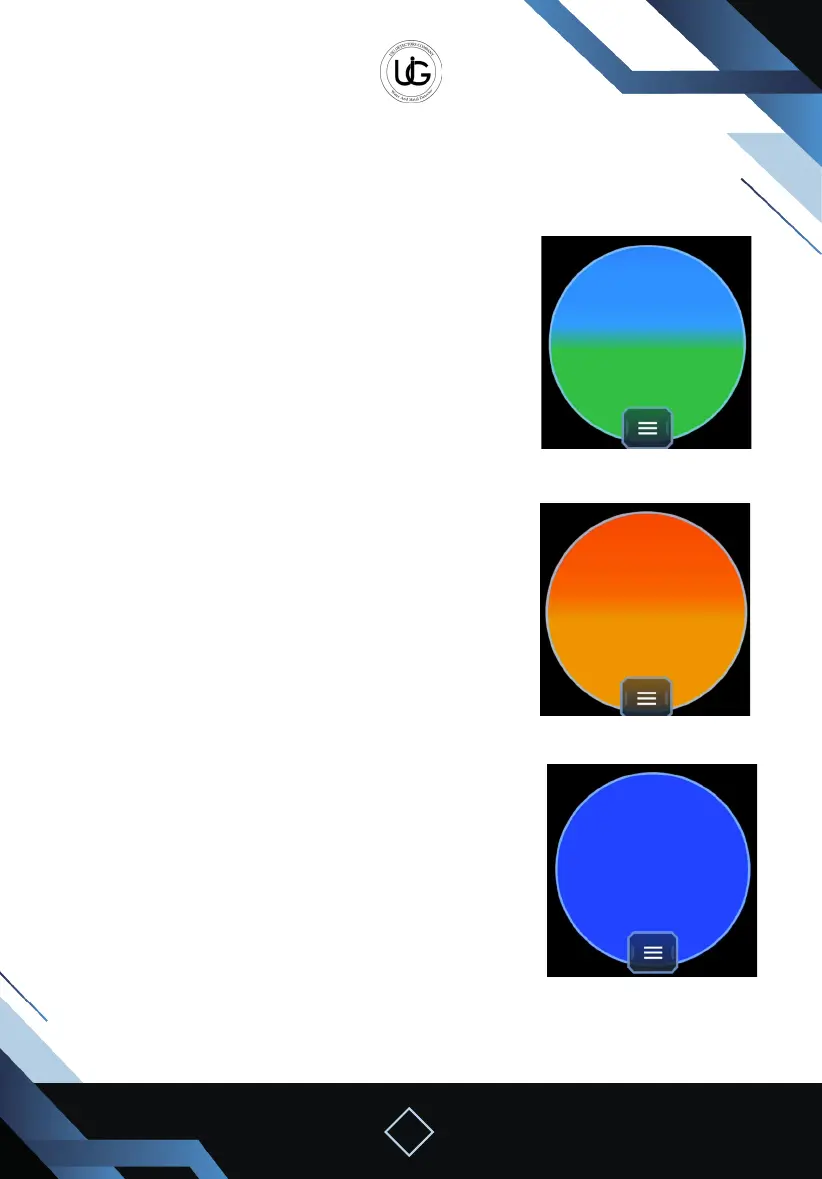
In the case of detecting a void, the graphical
representation will gradually ll between cyan and
blue, with specic vibrations for voids, accompanied by
accelerating sound.
In the case of detecting a target, the graphical
representation will gradually ll between yellow and
red, with specic vibrations for targets, accompanied
by accelerating sound.
To determine the target’s center, we take steps in the four directions to obtain the
strongest signal.
Metal
Void
searching


 To Next Page
 Loading...