14
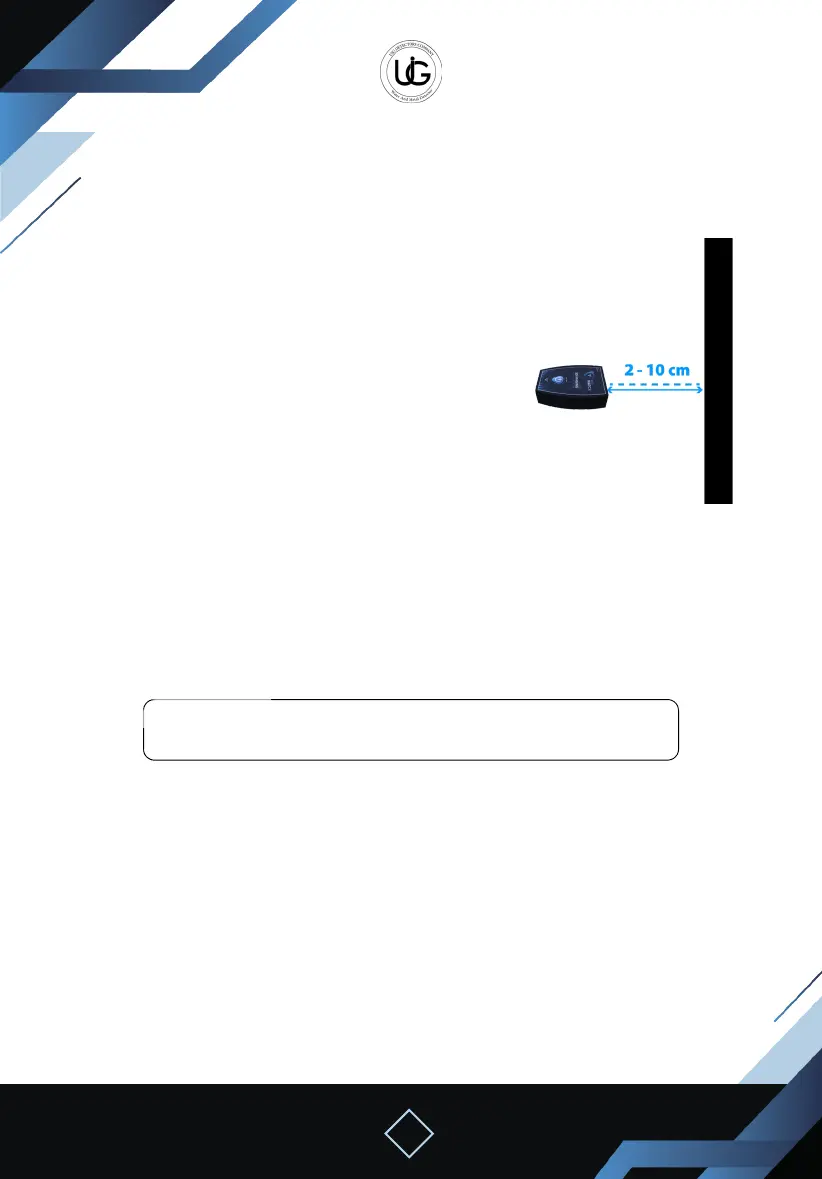
Direct the device towards the wall horizontally and
straight.
The device should be positioned at a distance of 2 to
10 centimeters from the wall.
Maintaining the device parallel to the wall surface
should be considered.
Before starting the scanning process, it is essential to observe the following steps:
1. Maintain device balance during the search.
2. Scan the same wall where the calibration process took place, and when moving to
another wall, recalibrate the device on it as well.
3. Tap the “Live Scan System” icon from the application’s main screen.
Note: The search process we applied with the ground live scan is the
same as the wall live scan in both the watch and phone.
Live Scan System Operation Steps (For Wall)
First


 To Next Page
 Loading...