17
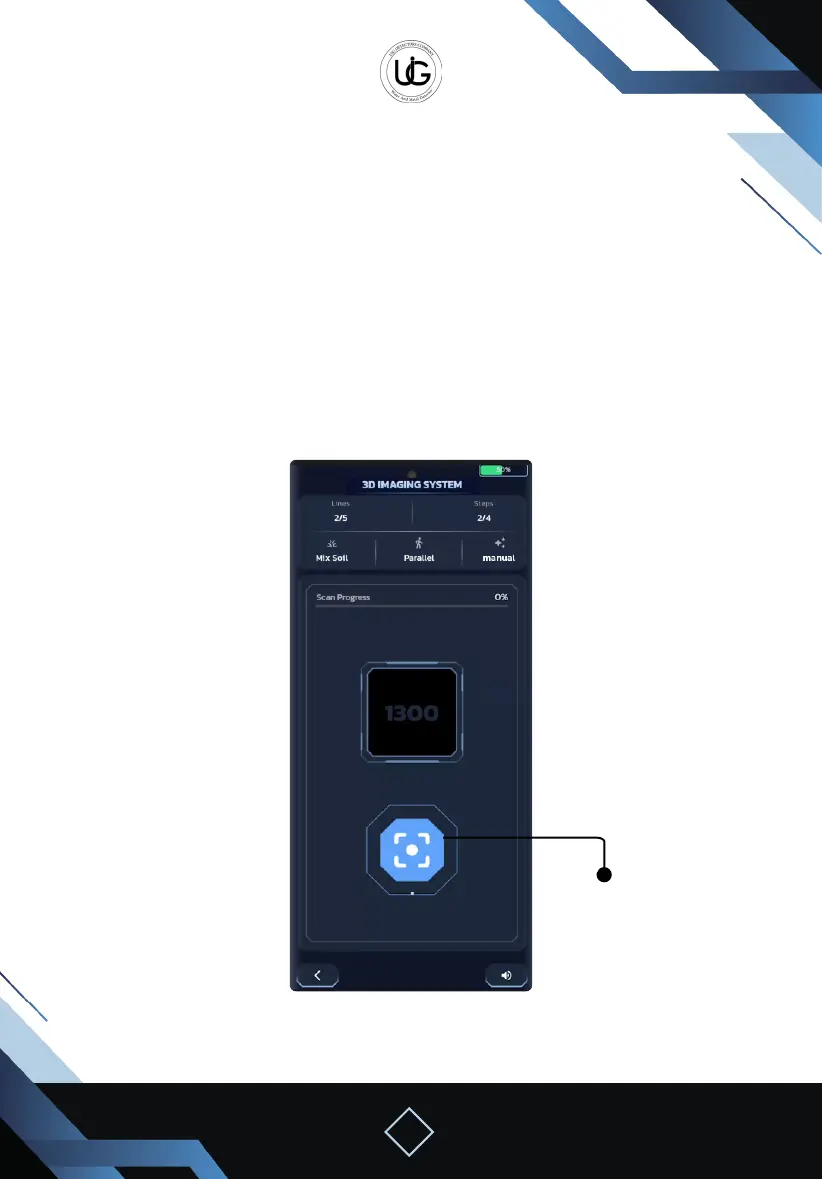
Capture Button
To start the imaging process:
Take close and equal steps of 30 to 40 cm in the designated search area.
Keep the device stable and directed towards the ground
Paying attention to the arrow’s direction to determine the steps.
In automatic mode:
The image will be captured automatically with each step.
You should move one step and wait for the device to capture the image with a capture
sound.
In manual mode: you should stop and press the capture button with each step.



 To Next Page