19
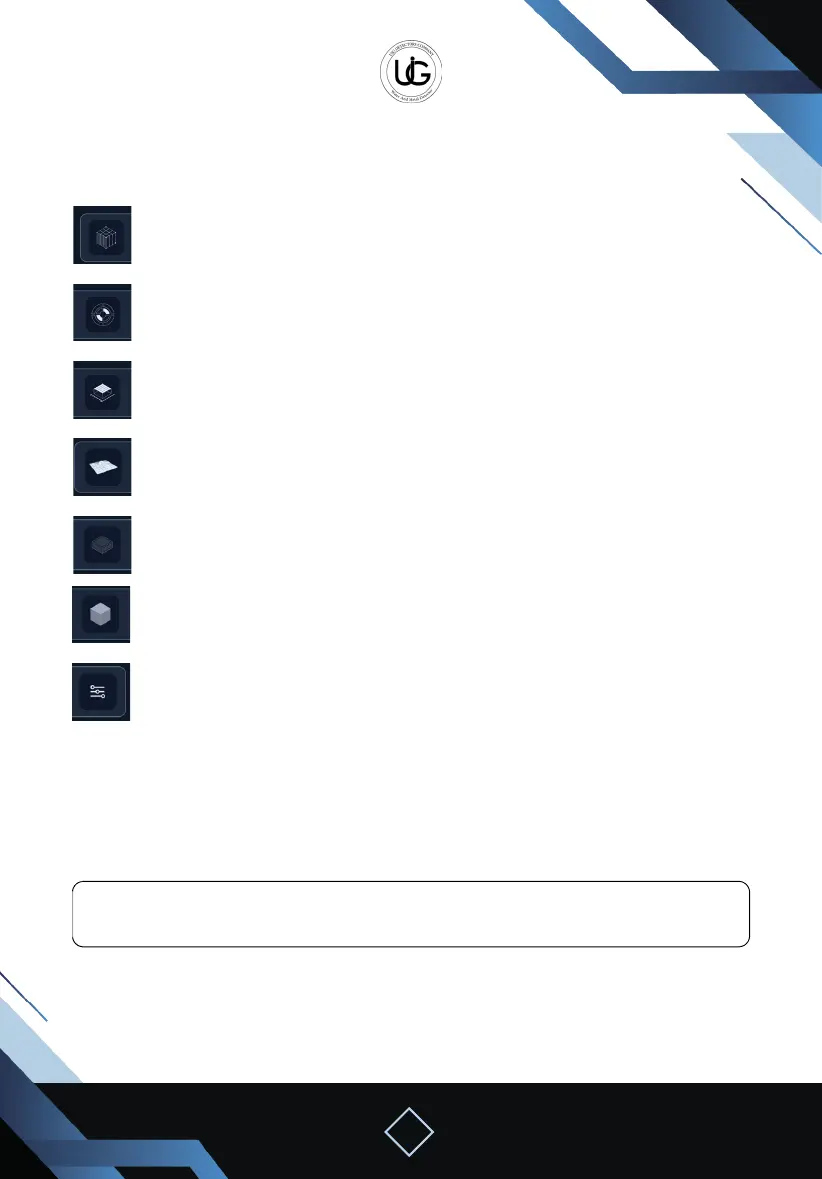
Tool Bar: containing the following icons:
Show/hide column and step lines.
Identify the location of the target or void in the search area
(it just gives the depth for the high possibility of existing targets or voids).
Show/hide search values or area information.
Control the shape between full 3D, diagram, or 2D.
Hide or show the surface or wall in the shape.
Control the viewing perspective.
Other options also include:
Select the color map option.
Increase or decrease the resolution of the shape option.
Change the background color.
Change grid line width with color change.
Change the size of the search value line and change its color.
Hide or show the color bar.
Note: If you want to save the search result for later analysis, press the save button on
the top toolbar, with the option to write the name or notes for the search operation.


 To Next Page
 Loading...