EasyManua.ls Logo

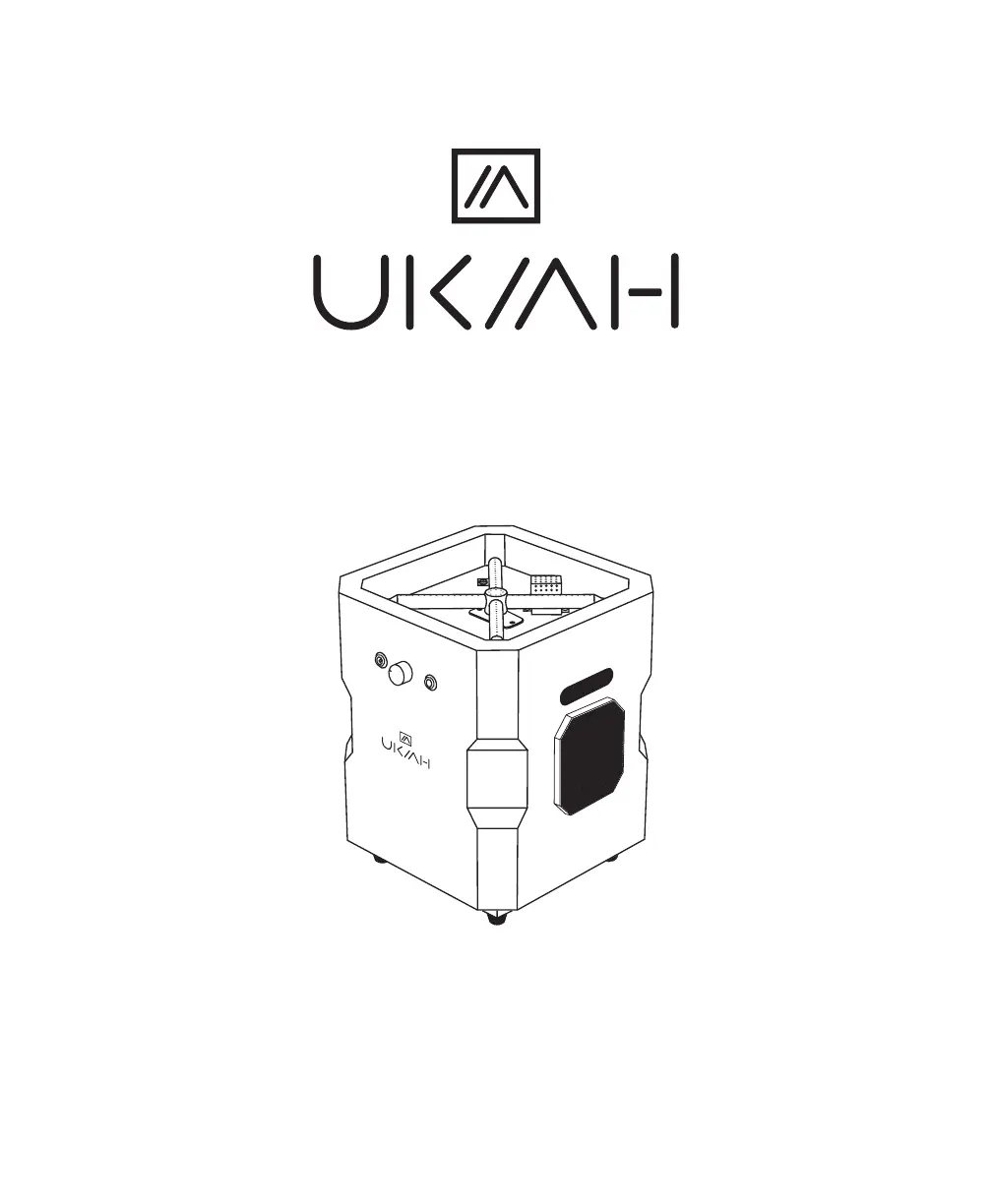
UKIAH TAILGATER I - User Manual

UKIAH TAILGATER I
25 pages
Print Icon
To Next Page IconTo Next Page
Loading...
TAILGATER I/II
OWNER’S MANUAL
TK-1005-T | 7 2802848231 7
TK-1006-T2 | 7 2802848232 4
ELEVATED OUTDOOR LIVING PRODUCTS
®

Questions and Answers

  • J
    Jacob JohnsonAug 4, 2025
    Why is the burner flame low on my UKIAH Stereo System?
    • C
      Caroline AndrewsAug 5, 2025
      A low burner flame on your UKIAH Stereo System could be due to several reasons: * Low gas pressure: Turn the cylinder valve OFF and replace the cylinder. * Low outdoor temperature: If the outdoor temperature is less than 40ºF and the tank is less than 1/4 full, use a full cylinder. * Control knob: Ensure the control knob is fully ON and check the burner and orifices for any blockage.
  • C
    Corey GarciaAug 14, 2025
    What to do if my UKIAH TAILGATER I Stereo System burner won’t light?
    • C
      Carlos ColeAug 14, 2025
      If the burner on your UKIAH Stereo System won’t light, it could be due to: * A frosted propane cylinder: Wait until the propane cylinder warms up and becomes unfrosted. * A blockage in the orifice: Clear the blockage. * The control knob: Ensure the control knob is in the ON position.
  • K
    Kristine StarkAug 23, 2025
    How to fix carbon build-up and thick black smoke from UKIAH TAILGATER I?
    • E
      edwin31Aug 23, 2025
      Carbon build-up and thick black smoke from your UKIAH Stereo System can be caused by: * Blockage in burner holes: Remove any blockage from the burner holes. * Kinked regulator hose: Straighten the regulator hose to remove all bends or kinks.

Summary

Setup and Operating Instructions for Gas Fire Pits

Safety Information

Setup Instructions

Operating Instructions

Lighting Safety

Lighting Instructions

Storage Instructions

General Information

Audio System

Charging the Battery

Connect the charging cable to fully charge the audio system's battery.

Pairing to a Wireless Device

Connect your wireless device to the Ukiah Co. audio system via wireless connection.

Playing Music

Instructions for playing music after successfully pairing your device.

Adjusting the Volume

How to control the audio volume using the unit's knob or your wireless device.

Hands-Free Phone Calls

Utilize the built-in microphone for making and receiving phone calls.

Beat to Music Operation

Maintenance

Operational Notes

Troubleshooting

Warranty

FCC Warning

UKIAH TAILGATER I Specifications

General IconGeneral
BrandUKIAH
ModelTAILGATER I
CategoryStereo System
LanguageEnglish

Related product manuals