-3- SCREEN PP45
8/29
Vacuum level (mbar). This parameter read-only, showing the level of current vacuum
within the drawer, in millibars, with a memory of the minimum vacuum value the
package has reached in the previous cycle (only if the machine has the vacuum
option).
Vacuum setpoint (mbar): Vacuum settings to be injected in millibars if the machine
has the vacuometer by vacuum activated (only if the machine has the vacuum
option.)
Gas setpoint (mbar): Gas settings to be injected in millibars if the machine has the
vacuometer by gas activated (only if the machine has the vacuum option).
Vacuum: Time to do vacuum in the package if the machine is working in “vacuum by
time” mode. Or the extra time to do vacuum if the machine is with “Vacuum
vacumeter” and “Vacuum by time” both activated (only if the machine has the
vacuum option).
Gas: Time to inject gas in the package (only if the machine has the gas option).
Gas homogenization: Waiting period after the gas injection and before sealing (only if
the machine has the gas option).
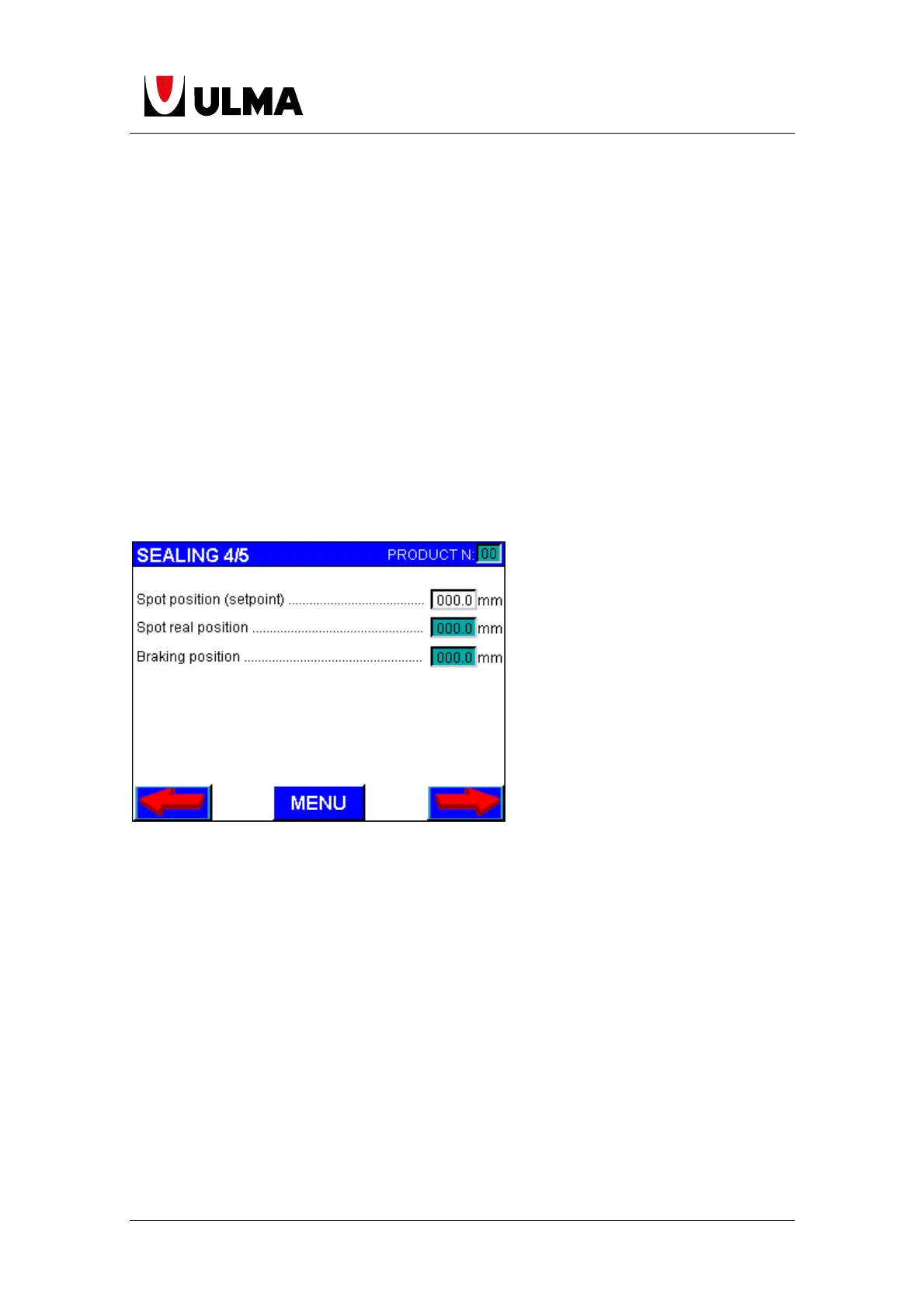
In case of working with printed film, this 3 parameters exist:
Spot position (setpoint): Is the only programmable parameter: the distance from the
spot to the photoelectric cell where the spot should be.
Spot real position: Is the distance from the spot to the photoelectric cell which the
spot is detected.
Braking position: Is the distance from the spot to the photoelectric cell where the
brake is activated.


 To Next Page
 Loading...