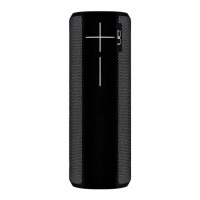
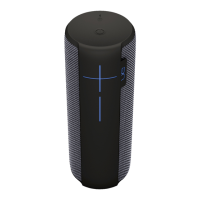
Geng Started - UE EPICBOOM
Download the Ulmate Ears BOOM app
Download the Ulmate Ears BOOM app to explore the other great features such as Remote Power
ON/OFF, Equalizer, PartyUp, and the Magic Buon. You can get the app here.
GET STARTED
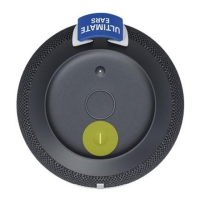
1. Power on your speaker — Press and hold the power buon to turn on your EPICBOOM.
2. Pair your phone to the speaker:
• Press and hold the the Bluetooth® buon to put it in pairing mode.
• Go to the Bluetooth seng on your phone and select EPICBOOM to connect.
Use the Magic Buon to control your music
• QUICKLY TAP to play and pause
• DOUBLE TAP to skip a track

 Need help?
 General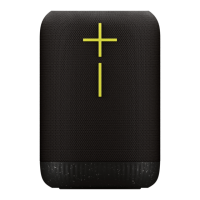

 To Next Page