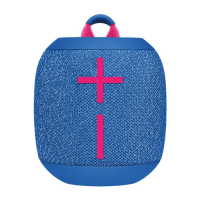
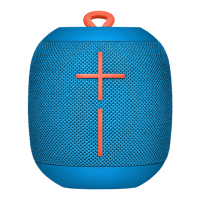
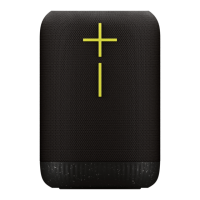
Getting Started - UE WONDERBOOM 4
POWER ON THE SPEAKER
PRESS the power button located on the top of your speaker to turn on your
WONDERBOOM 4. Once powered on, WONDERBOOM 4 automatically reconnects
to the last mobile device it was connected to.
PAIR YOUR PHONE TO THE SPEAKER
To put your speaker in pairing mode, PRESS AND HOLD the Bluetooth® button until
you hear a tone. Go to the Bluetooth settings on your phone and select
WONDERBOOM 4 to connect. Once connected, you’ll hear an audible
confirmation from your speaker.

 Need help?
 General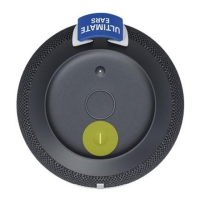

 To Next Page