5
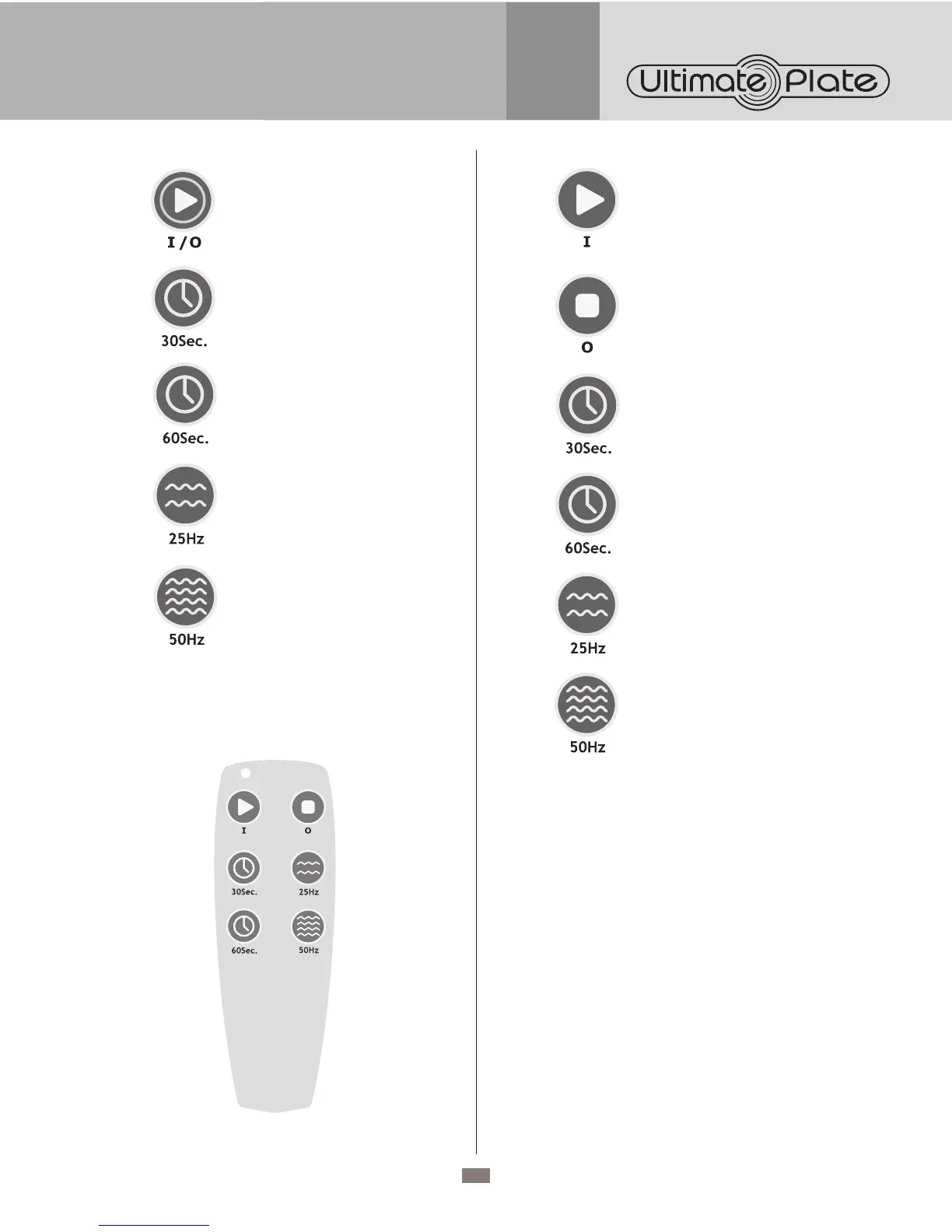
Press to Start / Stop.
Press to select the time for
30 seconds.
Press to select the time for
60 seconds.
Press to select the 25 Hz vibration
frequency.
Press to select the vibration
frequency.
REMOTE CONTROL
Attach the power cord to the receptacle located at the back
of the unit.
Press to Start.
Press to Stop.
Press to select the time for
30 seconds.
Press to select the time for
60 seconds.
Press to select the 25 Hz vibration
frequency.
Press to select the 50 Hz vibration
frequency.
BATTERY REPLACEMENT
Replace with 2 x AAA batteries.
WARNING: Do not mix old and new batteries. Do
not mix alkaline, standard (carbon-zinc), or re-chargeable
(nickel cadmium) batteries.
EXERCISES
As a basic rule, choose a training session that depends
on your individual fitness level and build up your training
gradually. For beginners, start the exercises in a static
position and choose a low time and vibration setting.
Gradually increase the time and vibration level. Once you
are comfortable, you can continue with more dynamic
movements.
For exercise information see poster.


 To Next Page