www.ultramagicard.com
300 & S
rinte
d
e-film installation
uide
Avoid touching the tip of the thermal printhead
with your hands.
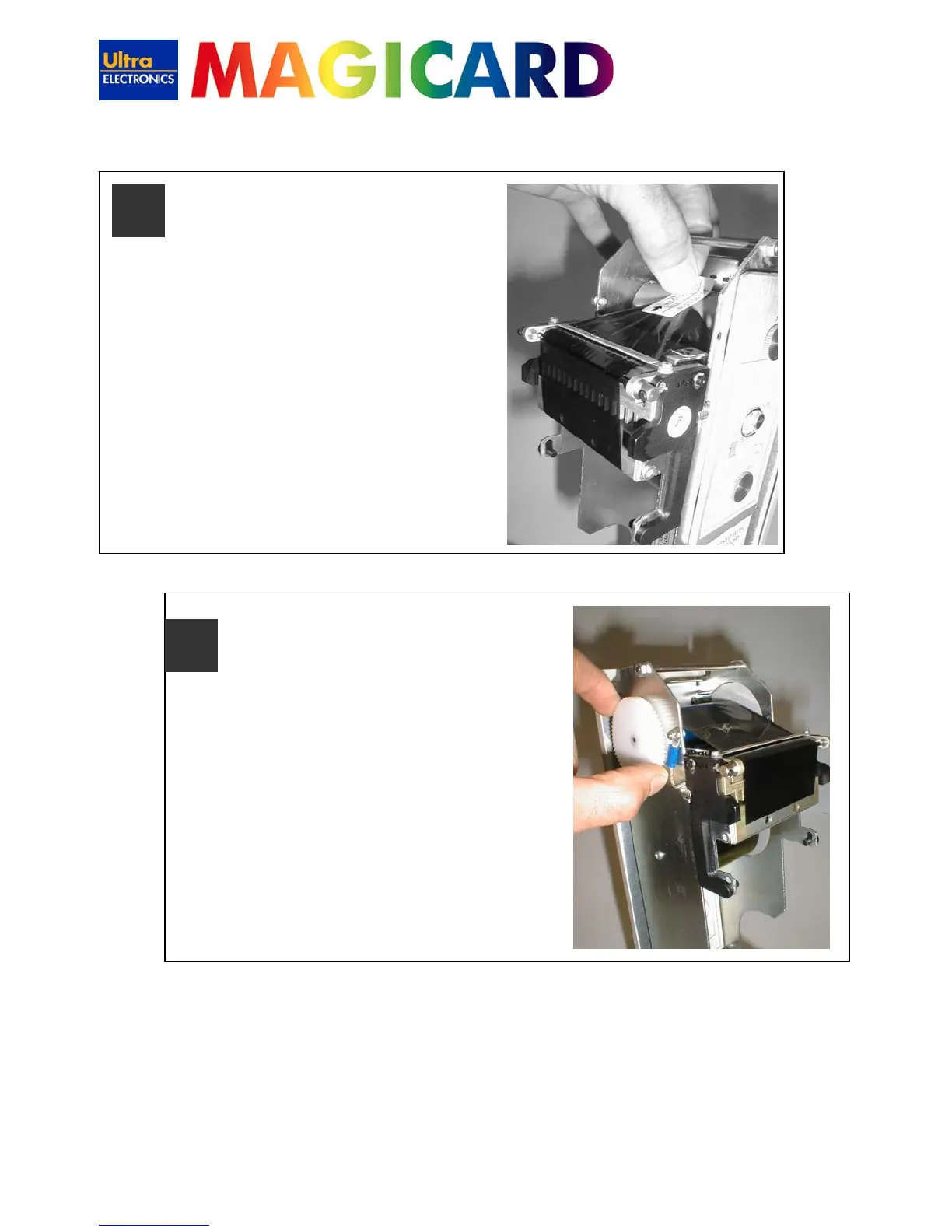
Feed the leading edge of the dye film over
the top of the Thermal Printhead and
beneath the guide bar, stick the leading
edge on the dye film to the take up spool
with the white label provided.
7
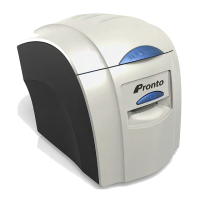
Wind the dye film on a couple of turns to
ensure it is centrally positioned on the take
up core.
8



 To Next Page