CHRONOGRAPH OPERATION
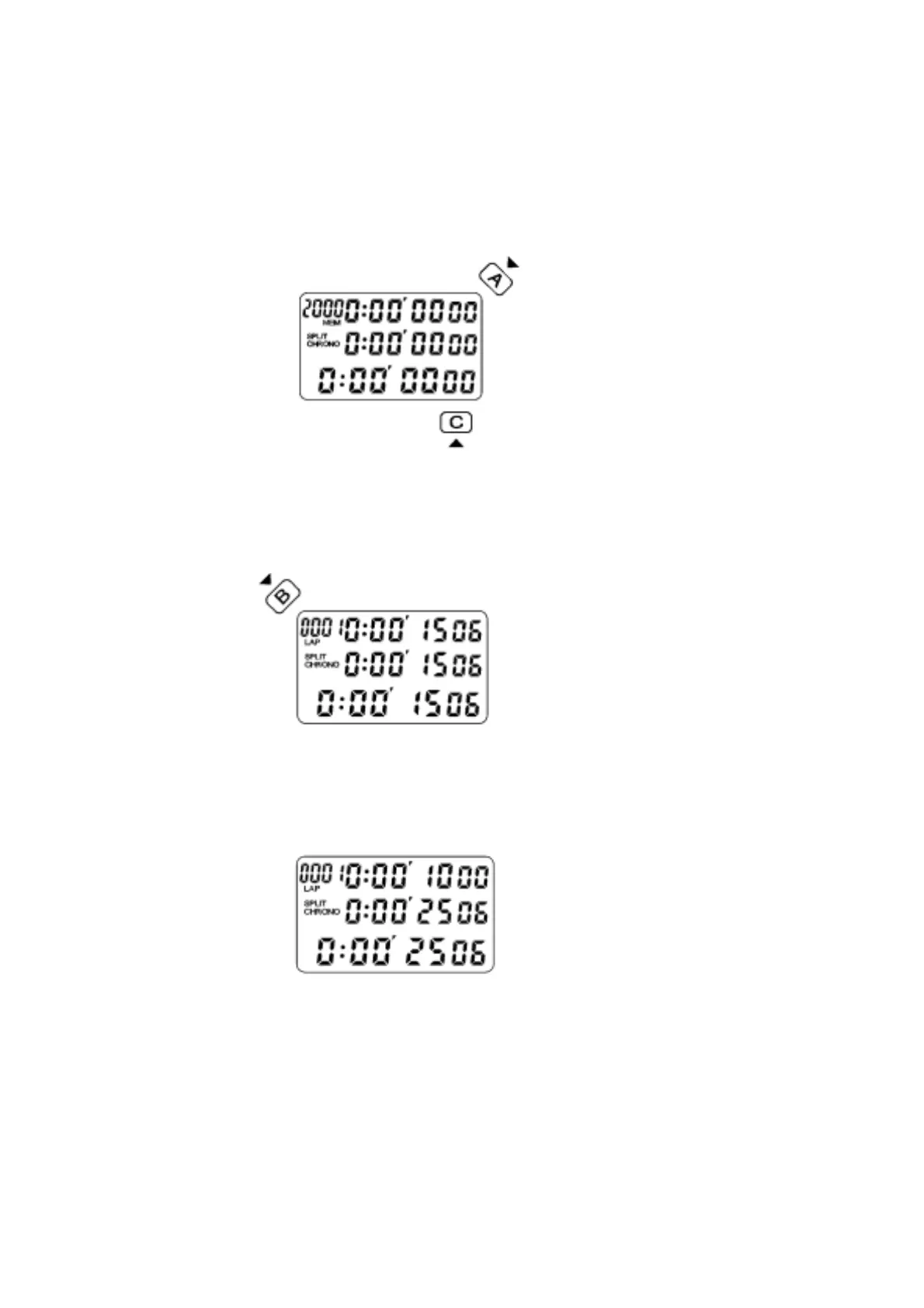
Press C to go to the CHRONOGRAPH MODE.
The display as shown in Fig. 2. Press A to start.
Fig. 2
Press B to get the 1st LAP time. The LAP time is shown at the top row, the SPLIT
time at the middle row and the running total time is shown at the lower row, as shown
in Fig.3.
Fig. 3.
** 10 seconds later the display will automatically be released to show the running LAP
and SPLIT times to allow the user to keep track of progress, as shown in Fig. 4.
Fig. 4


 To Next Page