PRINT MODE
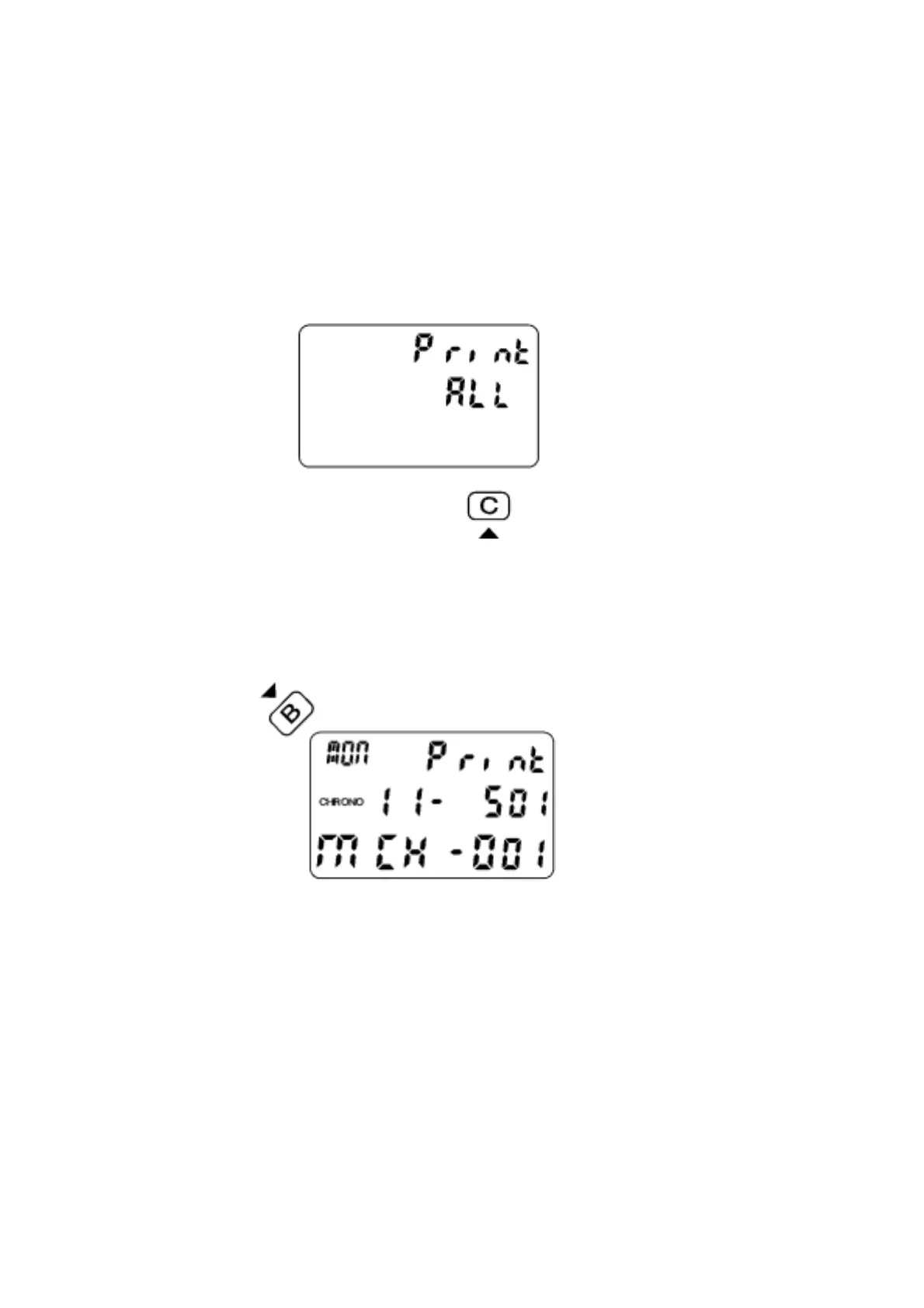
Press C button to go to the PRINT ALL mode as shown in Fig.20. Pressing A button
will print all recorded memories to the printer (if printer is connected). When the
stopwatch is in the process of printing, an indicator moves from right to left. When
printing is complete PRINT END is displayed.
Fig.20.
Pressing B at the PRINT ALL mode will go to the PRINT RACE mode with display as
shown in Fig.21.
Fig.21.
Pressing A in this mode will only print the memories in this race. Press B to select
particular race to print.
Pressing C any time during this printing process will stop printing immediately.
** If the chronograph is not reset (i.e. still running or stopped), it will not be possible to
upload and the display will show PRINT 0, there will not be any action upon
pressing A or B.


 To Next Page