EasyManua.ls Logo

Ultrak KC-3P - User Manual

Ultrak KC-3P
20 pages
Print Icon
To Next Page IconTo Next Page
Loading...
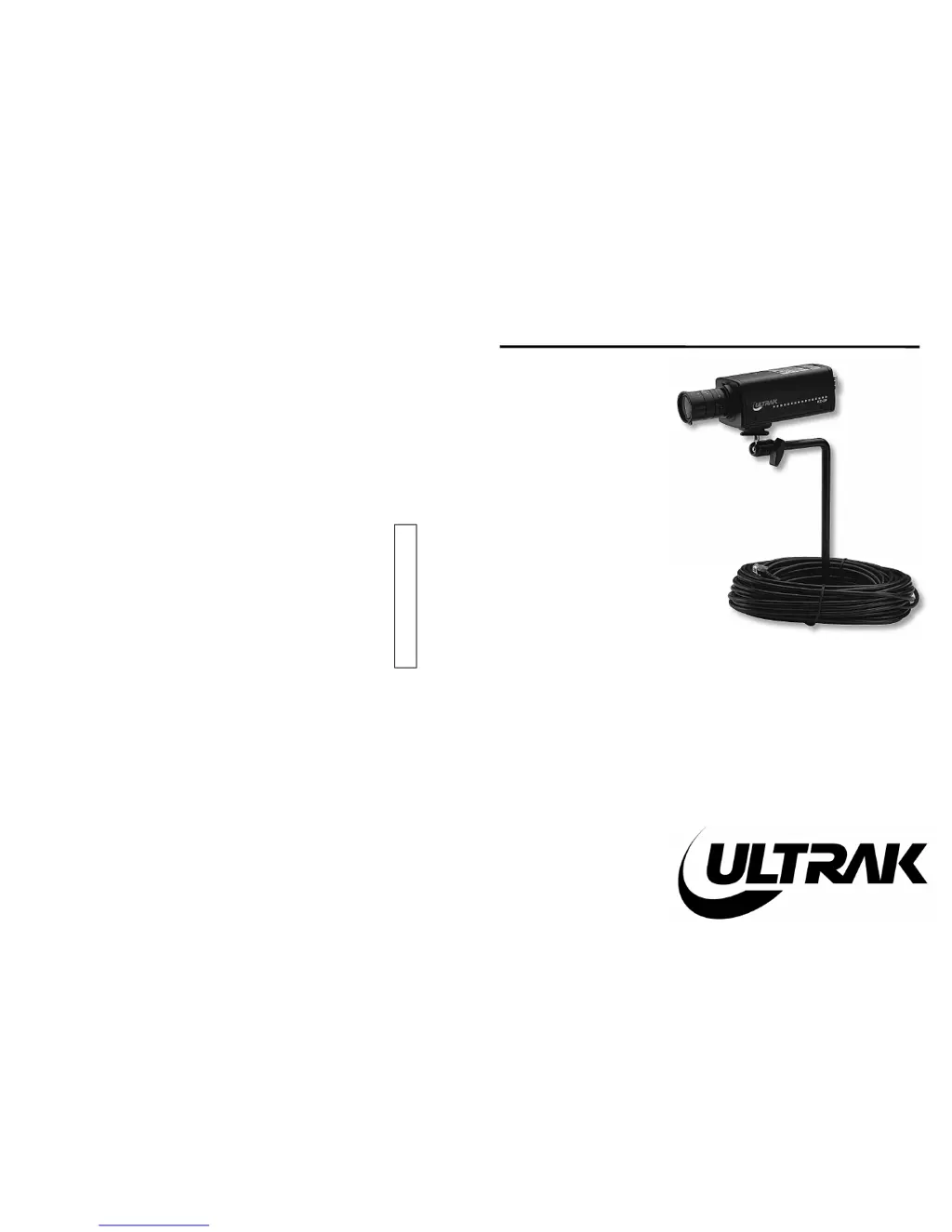
KC-3P
1/3" CCD BLACK-
AND-WHITE
OBSERVATION
CAMERA
INSTALLATION
INSTRUCTIONS
Ultrak Worldwide Support Center & Eastern Regional Office:
1301 Waters Ridge Drive
Lewisville, TX 75057
(800) 796-2288
(972) 353-6400
FAX (972) 353-6670
Ultrak Western Regional Office:
6252 West 91st Avenue
Westminster, CO 80030
(800) 846-8884
(303) 428-9480
FAX (303) 429-6609

Questions and Answers

Summary

SECTION 1 KC-3 P CCD BLACK & WHITE OBSERVATION CAMERA

1.1 PURPOSE

Provides overview of the KC-3P camera for CCTV and security applications.

1.2 SYSTEM INSTALLATION

Details installation steps, required components, and safety precautions for the KC-3P Camera.

1.3 MANUAL IRIS LENS ADJUSTMENT

Guides manual iris lens adjustment for optimal aperture and picture quality under varying light.

1.4 VIDEO TYPE AUTO IRIS LENS INSTALLATION AND ADJUSTMENT

Covers installation and adjustment of video-type auto-iris lenses for automatic light control.

1.5 DC IRIS LENS INSTALLATION AND ADJUSTMENT

Explains DC iris lens installation, wiring, and level control for optimal camera performance.

1.6 BACK FOCUS ADJUSTMENT

Provides procedure for back focus adjustment to ensure sharp focus across different lighting conditions.

1.7 ZOOM LENS BACK FOCUS ADJUSTMENT

Details back focus adjustment for zoom lenses to maintain focus throughout the zoom range.

1.8 AUDIO DISABLE ADJUSTMENT

Instructs on disabling camera audio via an internal jumper for specific installation needs.

SECTION 2 TROUBLESHOOTING AND MAINTENANCE

2.1 TROUBLESHOOTING

Offers solutions for common issues like "No Video" by checking power, switches, and lens settings.

2.2 PREVENTIVE MAINTENANCE

Recommends periodic inspection of cables, cleaning, and hardware to ensure equipment reliability.

SPECIFICATIONS

Ultrak KC-3P Specifications

Power IconPower
power supply voltage24 V AC
power supply frequency60 Hz
power consumption3.0 W
Operating Environment IconOperating Environment
ambient temperature range14°F - 114°F
ambient humidity range30% - 90%
minimum illumination0.2 Lux
Weight and Dimensions IconWeight and Dimensions
width2.3 in
height2.0 in
depth4.8 in

Related product manuals