EasyManua.ls Logo

Ultrak KC-2A - User Manual

Ultrak KC-2A
16 pages
Print Icon
To Next Page IconTo Next Page
Loading...
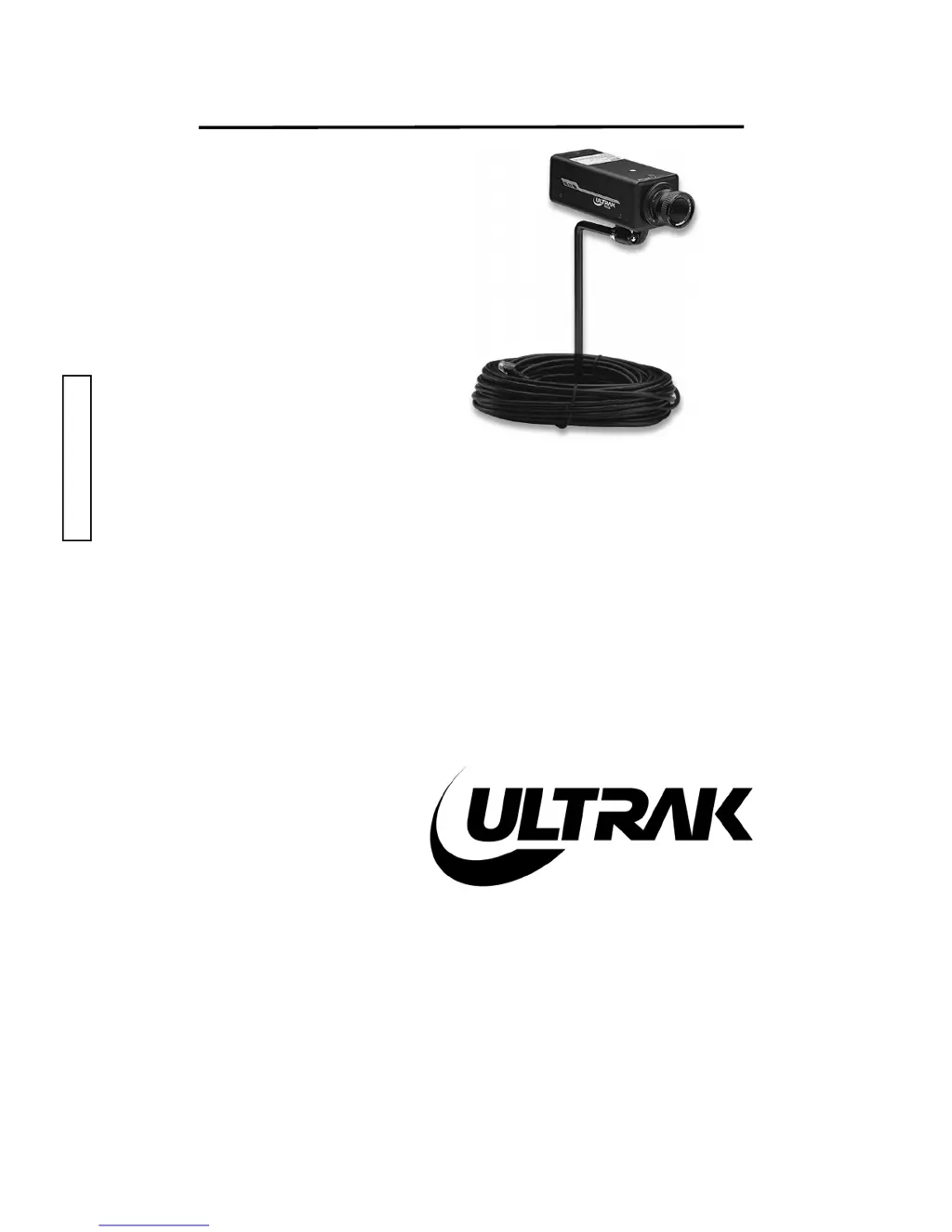
INSTALLATION
INSTRUCTIONS
KC-2A
1/3" CCD COLOR
OBSERVATION
CAMERA
Ultrak Worldwide Support Center & Eastern Regional Office:
1301 Waters Ridge Drive
Lewisville, TX 75057
(800) 796-2288
(972) 353-6400
FAX (972) 353-6670
Ultrak Western Regional Office:
6252 West 91st Avenue
Westminster, CO 80030
(800) 846-8884
(303) 428-9480
FAX (303) 429-6609

Questions and Answers

Summary

KC-2 A Camera: Installation and Operation

Purpose and Features

Overview of the KC-2A camera's purpose, low cost solution, and key features.

System Installation

Step-by-step instructions for installing the KC-2A camera by qualified personnel.

White Balance Adjustment

Procedure for setting camera's white balance to AUTO or MANU modes for accurate color reproduction.

Manual Iris Lens Adjustment

Guidance on adjusting the manual iris lens for optimal picture quality under varying light.

Video-Type Auto Iris Lens Installation and Adjustment

Steps for installing and adjusting auto iris lenses to adapt to changing light conditions.

Back Focus Adjustment

Procedure for performing back focus adjustments to maintain focus consistency across scenes.

Zoom Lens Back Focus Adjustment

Specific back focus adjustment for zoom lenses to maintain focus during zooming.

Troubleshooting and Maintenance

Troubleshooting

Common problems like 'No Video' or 'Video, but no control' and their possible solutions.

Preventive Maintenance

Scheduled maintenance tasks to prevent faults and ensure equipment longevity.

Ultrak KC-2A Specifications

Power IconPower
power supply15V dc
power consumption5.0W
max power consumption with auto-iris5.5W
Image Sensor IconImage Sensor
image pickup element1/3 inch CCD
image sensor horizontal size4.9 mm
image sensor vertical size3.7 mm
Scanning and Synchronization IconScanning and Synchronization
scanning frequency horizontal15.734 KHz
scanning frequency vertical60 Hz
synchronizationExternal (From Observation Monitor)
Image Quality IconImage Quality
resolution horizontal330 TV lines
minimum illumination2.0 Lux
gamma0.45
Environmental Conditions IconEnvironmental Conditions
ambient temperature range-10° C - +50° C
ambient humidity range30% - 90%
S/N Ratio>46 dB (AGC Off)
Weight and Dimensions IconWeight and Dimensions
width61 mm
height56 mm
depth158 mm

Related product manuals