EasyManua.ls Logo

UltraSecure UltraCOM2 - User Manual

UltraSecure UltraCOM2
14 pages
Print Icon
To Next Page IconTo Next Page
Loading...
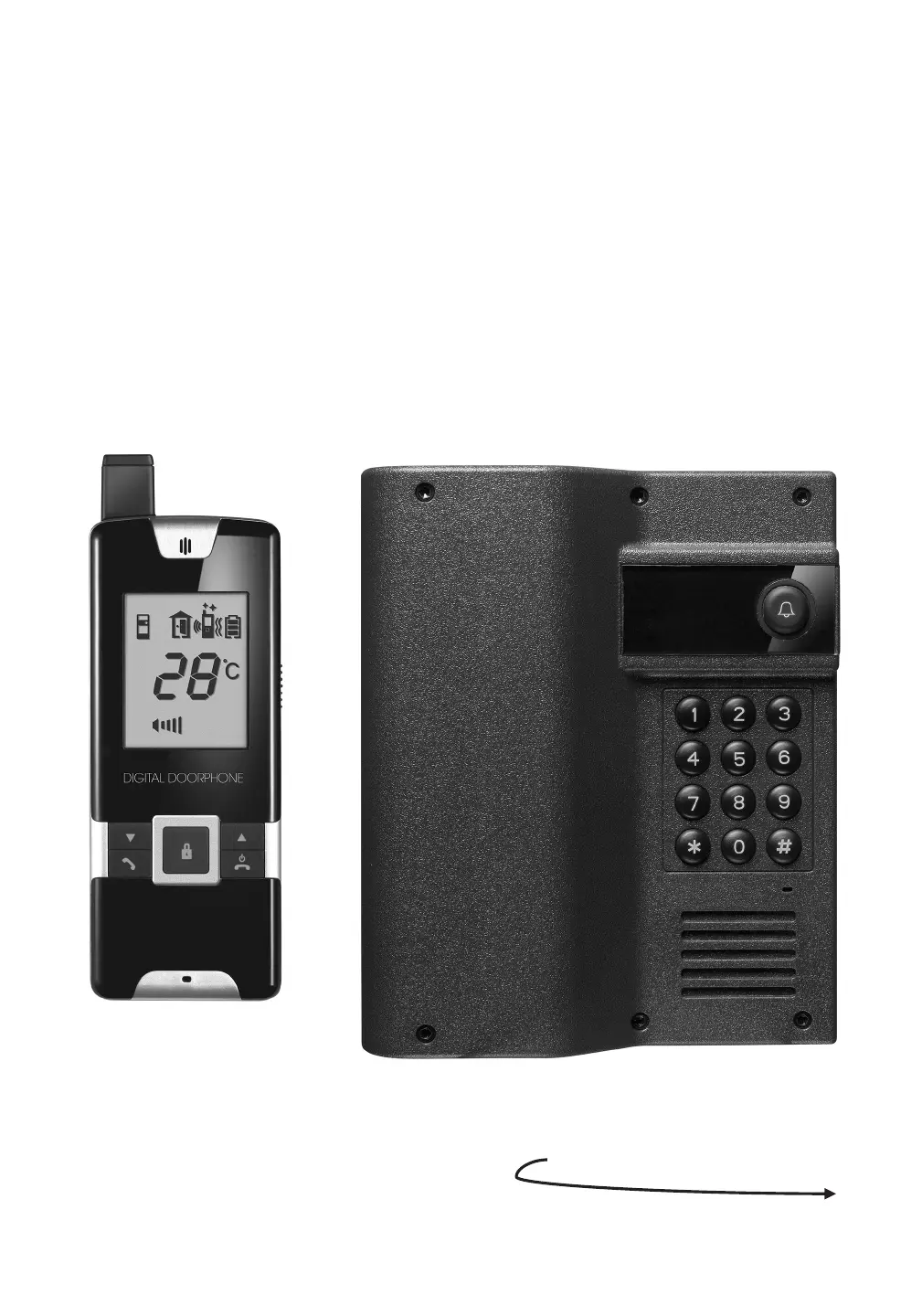
INSTRUCTION MANUAL
DOORPHONE
WIRELESS
UltraCom
600/
600AK

Questions and Answers

Summary

Getting Started

Power Supply

Describes how to supply power to the caller unit using batteries or DC.

Handset Charging

Details charging and battery replacement procedures for the handset unit.

Pairing Handset and Caller Unit

Explains the process to match handset and caller units for secure communication.

Mounting the Caller Unit

Guides on selecting a location and mounting the caller unit securely on walls.

Controls Layout

LCD Display Guide

Operation

Managing Incoming Calls

How to answer, adjust volume, and handle incoming calls from visitors.

Conversation and Door Lock Control

Details conversation, remote door lock opening, and automatic call ending features.

Intercom and Call Alerts

Explains intercom usage between handsets, call alerts, and battery status indicators.

Setting Door Lock Code

Step-by-step guide to set or change the door lock opening code for access.

Troubleshooting Guide

UltraSecure UltraCOM2 Specifications

General IconGeneral
BrandUltraSecure
ModelUltraCOM2
CategoryIntercom System
LanguageEnglish

Related product manuals