UMAX Astra 2000U/P Owner’s Guide
77
19.
Select
Presto! PageType
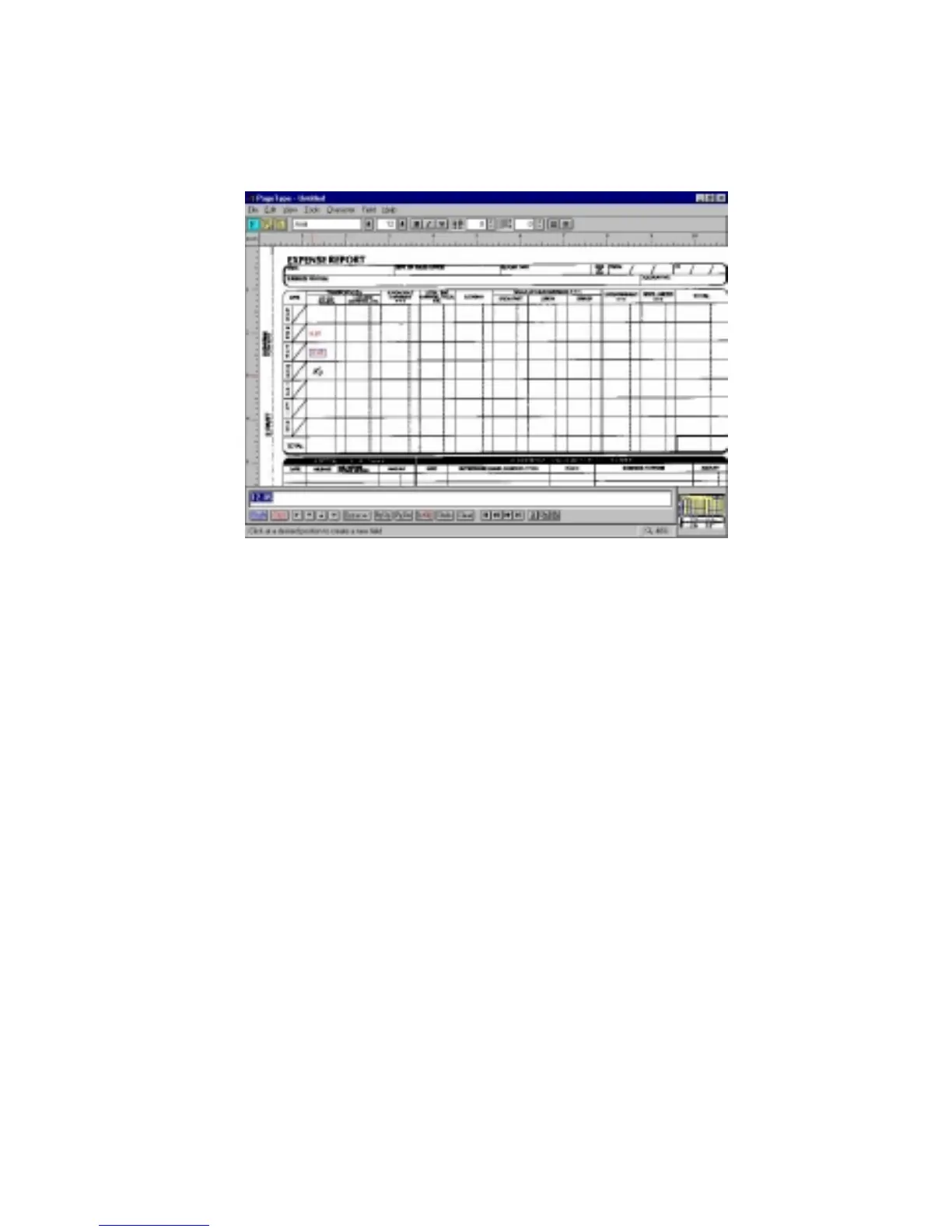
. The Presto! PageType window
appears.
20.
Choose
Open
from the
File
menu. Enter the name of the
image you saved. The image appears in the client space.
Fill in the form text desired using the PageType tools.
21.
Save the image when you have finished editing the form
by selecting
Save As
from the File menu and entering the
relevant information.
Creating a Calendar with PhotoDeluxe
You can create your own calendar using PhotoDeluxe. This process
differs for PC and Macintosh users. Follow the appropriate
instructions for the system that you are using.
For PC Users:
1.
Insert the PhotoDeluxe CD in your CD-ROM drive.


 To Next Page
 Loading...