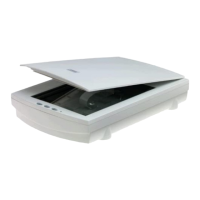
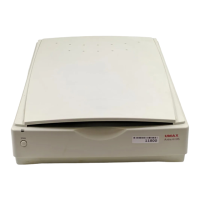
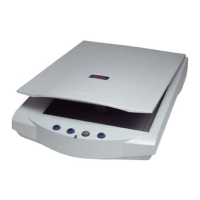
UMAX Astra 2000U/P Owner’s Guide
91
Accessing the Presto! PageManager Online
Manual
For PC Users:
1.
Click
Start.
2.
Click
Programs
.
3.
Click
Presto! PageManager Deluxe.
4.
Click
PageManager User’s Manual.
For Macintosh Users:
1.
Double-click the
Hard Drive
icon on the desktop.
2.
Double-click the
Presto! PageManager 2.31.02
folder.
3.
Double-click
User’s Guide.pdf.
(If you receive an error, please
install Adobe Acrobat reader 3.01. See “Installing Acrobat
Reader” below for instructions.)
Accessing the Caere OmniPage Online Manual
For PC Users:
1.
Click
Start.
2.
Click
Programs.
3.
Click
Caere Application
.
4.
5.
Click
English Documentation
.
For Macintosh Users:
1.
Double-click the
Hard Drive
icon on the desktop.
2.
Double-click the
OmniPage LE
folder.


 To Next Page
 Loading...