2. Sending a multimedia message (MMS)
To compose a multimedia message, start by creating a
new text message. Then simply add an attachment.
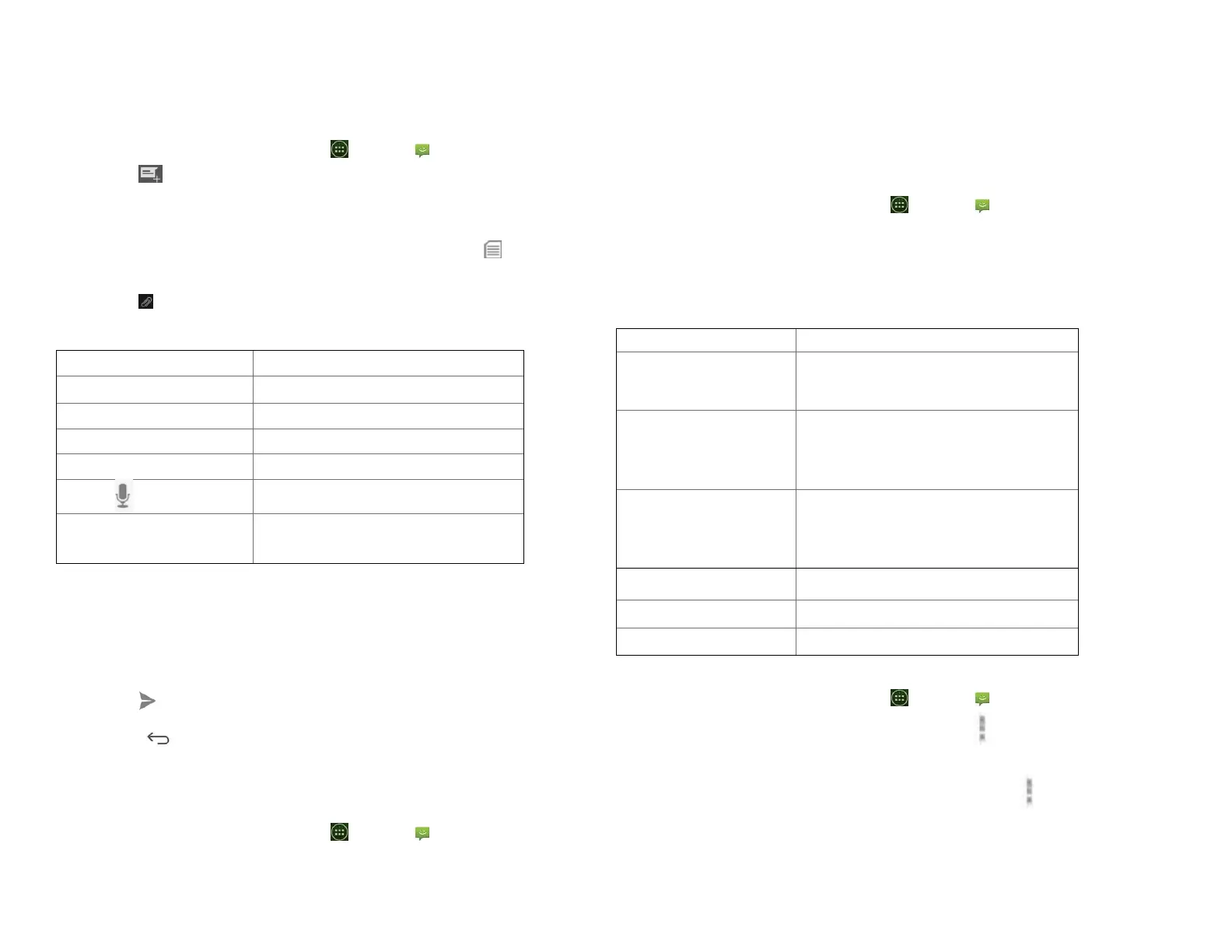
1. From the Home screen, tap Apps > Messaging.
2. Tap Create New message.
3. Enter the phone number in the To field. Or select
recipients from the contact list.
4. Tap Type message > enter your message. Tap to add
the message template.
5. Tap Attach > choose the type of attachment.
Create a slideshow from up to 10
of your photos.
6. From the message body, tap:
• View: To view the attached item.
• Replace: To change attached files.
• Remove: To remove attached files.
7. Tap Send MMS.
• Tap Back to save it as a draft.
3. Resuming a draft message
1. From the Home screen, tap Apps > Messaging.
2. Tap the message indicated by “Draft” to resume
editing.
3. When you finish editing, tap Send.
Reading Messages
1. From the Home screen, tap Apps > Messaging.
2. Tap a message thread.
3. Tap and hold an individual message to see more
options.
To lock/unlock a message.
To call the message sender. (Only
on incoming messages)
To save the phone number or email
address to Contacts. (Only on
incoming messages)
To forward a message. Enter a
recipient, edit the content of the
message as needed >tap Send.
To copy text from a message.
To view details about a message.
1. Deleting a message thread
1. From the Home screen, tap Apps > Messaging.
2. Tap and hold the message thread, tap Option
>Delete thread.
• If you want delete all message threads, tap Option
>Delete all threads.
3. Tap Delete.



 To Next Page